EasyManua.ls Logo

HERO Activity Table 1 - Screen Time and Power Management; Clock, Timer, and Auto Sleep Settings

HERO Activity Table 1
23 pages
Print Icon
To Next Page IconTo Next Page
To Previous Page IconTo Previous Page
Loading...
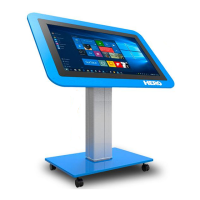
PCAP Multi Touch Screen Display with Dual OS Users Manual
Page 12
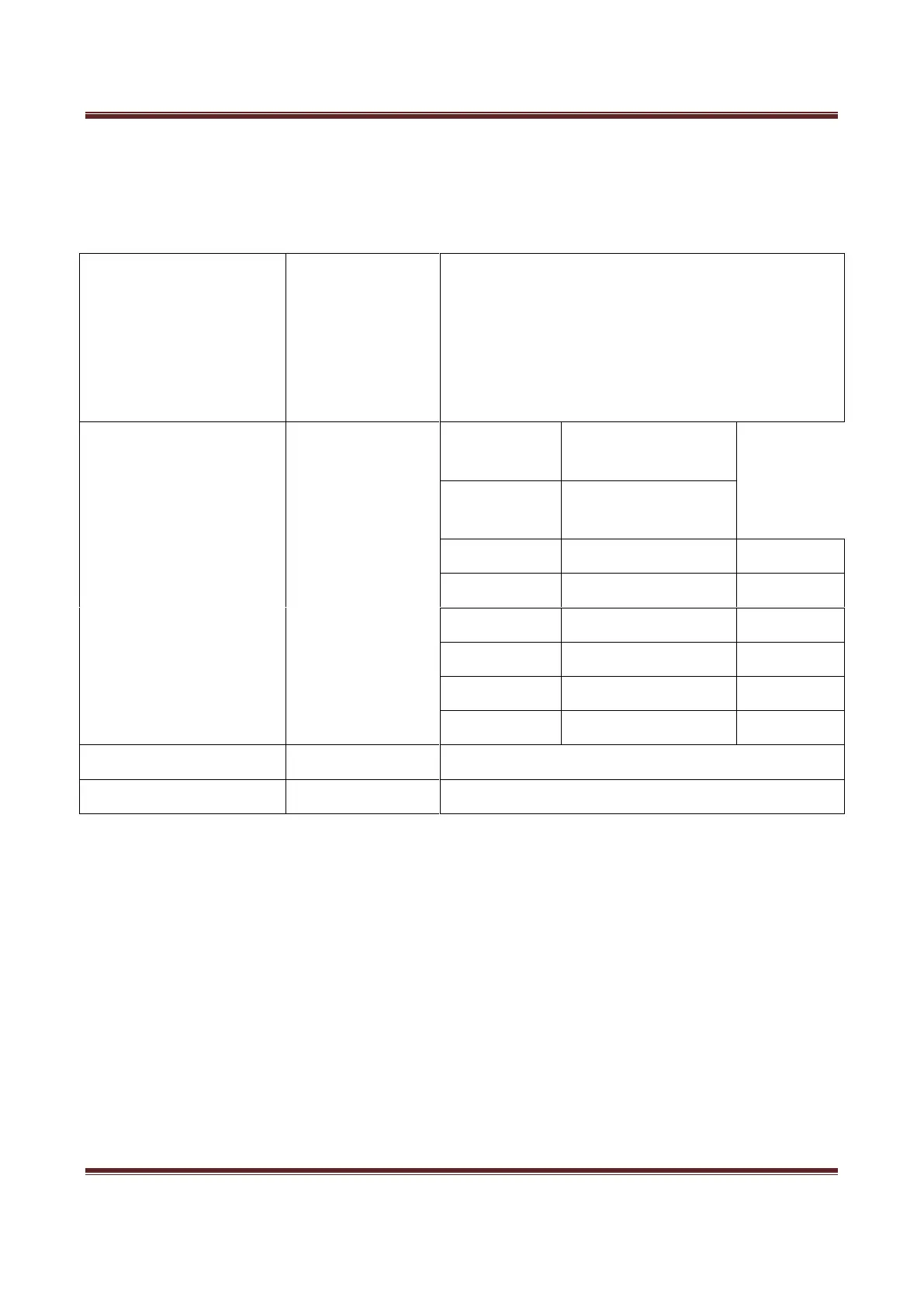
Time
Here you can set a time and date for your screen as well as scheduling daily on/off times for the
built in power timer. You can also adjust at what temperature the internal fans become active.
Clock
<DATE and TIME>
Date
Month
Year
Hour
Minute
OnOff Time
<Off>
Setting Mode
Daily Mode/Weekly
Mode
Control
Mode
Manual/Always
on/Always off/Timer
Status
On Time
Off Time
Off/On
00:00
00:00
Off/On
00:00
00:00
Off/On
00:00
00:00
Off/On
00:00
00:00
Off/On
00:00
00:00
Sleep Timer
<Off>
or 10min/20min/30min/60min/90min
Auto Sleep
<Off>
or On