PCAP Multi Touch Screen Display with Dual OS User’s Manual
Page 19
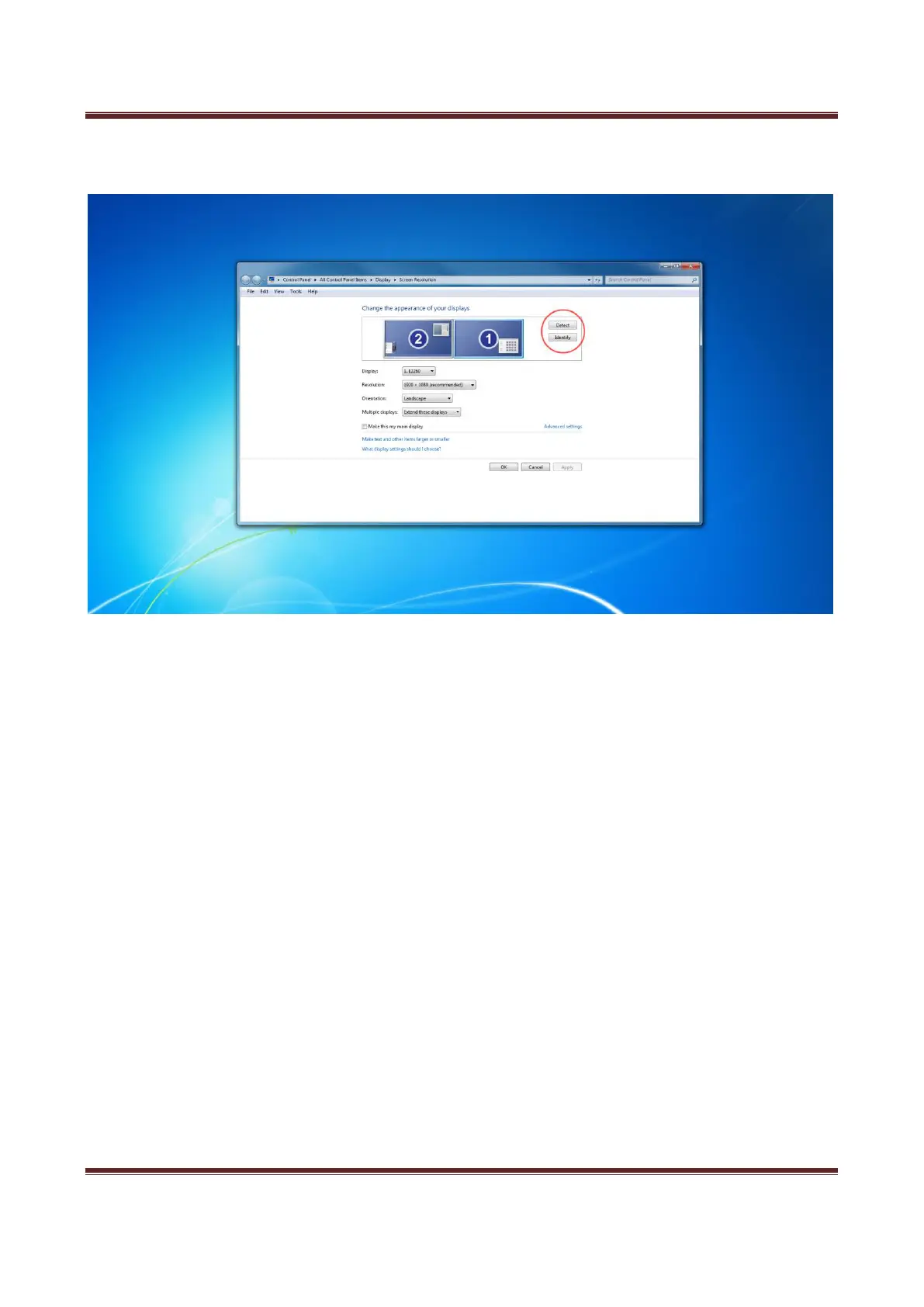
“Properties” (then “Settings”) or “Screen resolution”. You should now click “Detect” to allow the
PC to discover the Video Monitor then “Identify” to establish which display is the Video Monitor.
Select the display that corresponds with the Video Monitor display then check the box “Make this
my main display” or “Use this devise as the primary monitor”. This will make the Video Monitor
display your main monitor.


 To Next Page