11
Install the camera
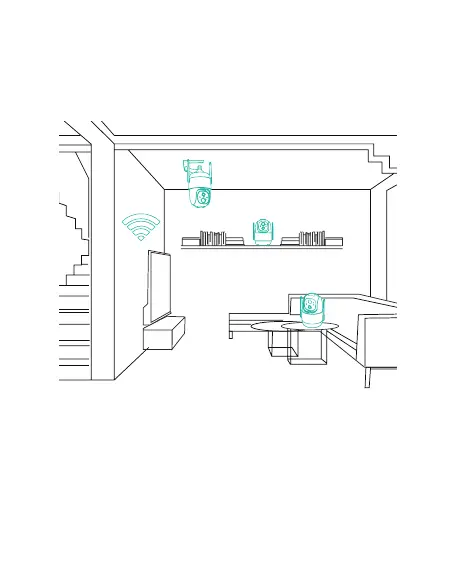
You can place the camera on a shelf or other surfaces to use,
or you can install it on a wall to use.
(1) Select a good spot for your camera
Select a good spot for your camera, please install the camera
in a position where its view is not blocked and ensure that it
is within the coverage of the Wi-Fi network. The PIR infrared
sensor is more sensitive to movements across the camera's
field of view than movements toward or away from the
camera.



 To Next Page