14
When you want to let other family members or friends view
the camera, you can use this feature. Only the admin user
and manage the settings for the camera. The shared users
have limited access rights.
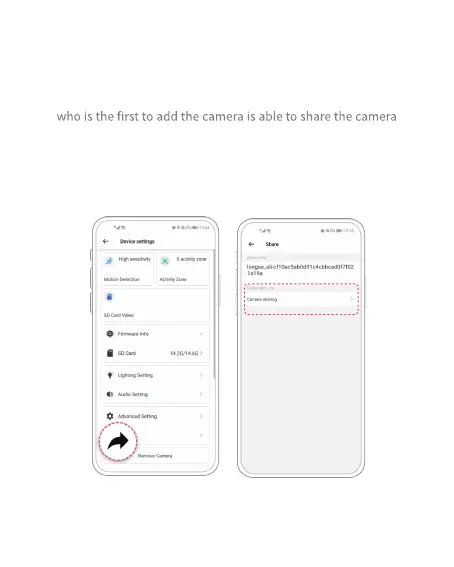
Share the camera
(1) Steps for Admin User
1) Find the camera you want to share on the App homepage or camera
setting page. Click the share button and enter the sharing page.



 To Next Page