Accelerometer and Compass Calibration
For more details on minimize magnetic interference and improve compass performance, please refer
to http://ardupilot.org/copter/docs/common-magnetic-interference.html#common-magnetic-
interference
Calibration steps
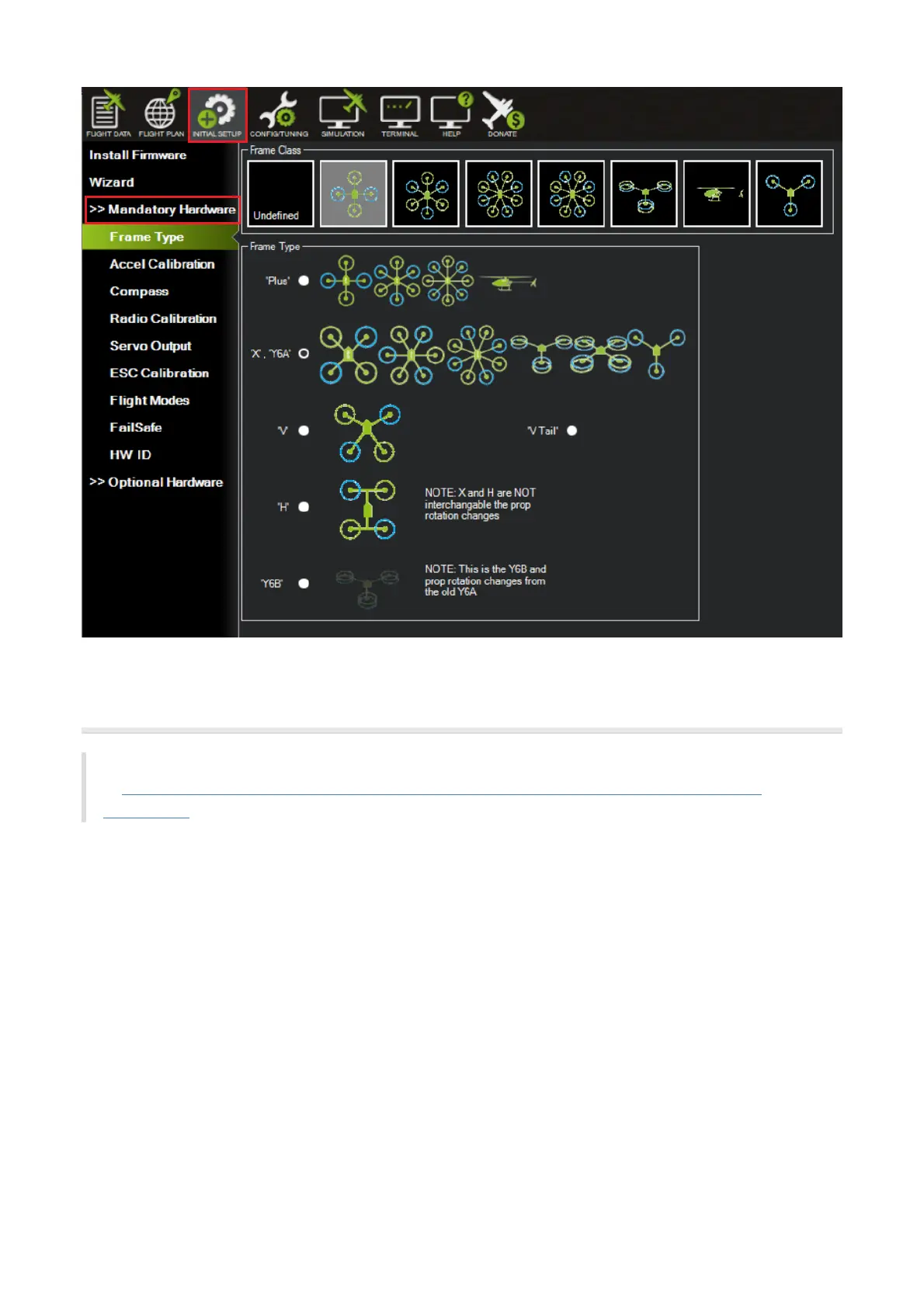
Go to "Initial Setup > Mandatory Hardware > Accel Calibration". Click Calibrate Accel to start the calibration.
Pointing the nose of your vehicle to LEVEL, LEFT, RIGHT, NOSEDOWN, NOSEUP, and BACK according to the
message below. "Calibration successful" will be shown after calibration completed successfully.
1. Place the vehicle LEVEL then press "Click when Done".


 To Next Page