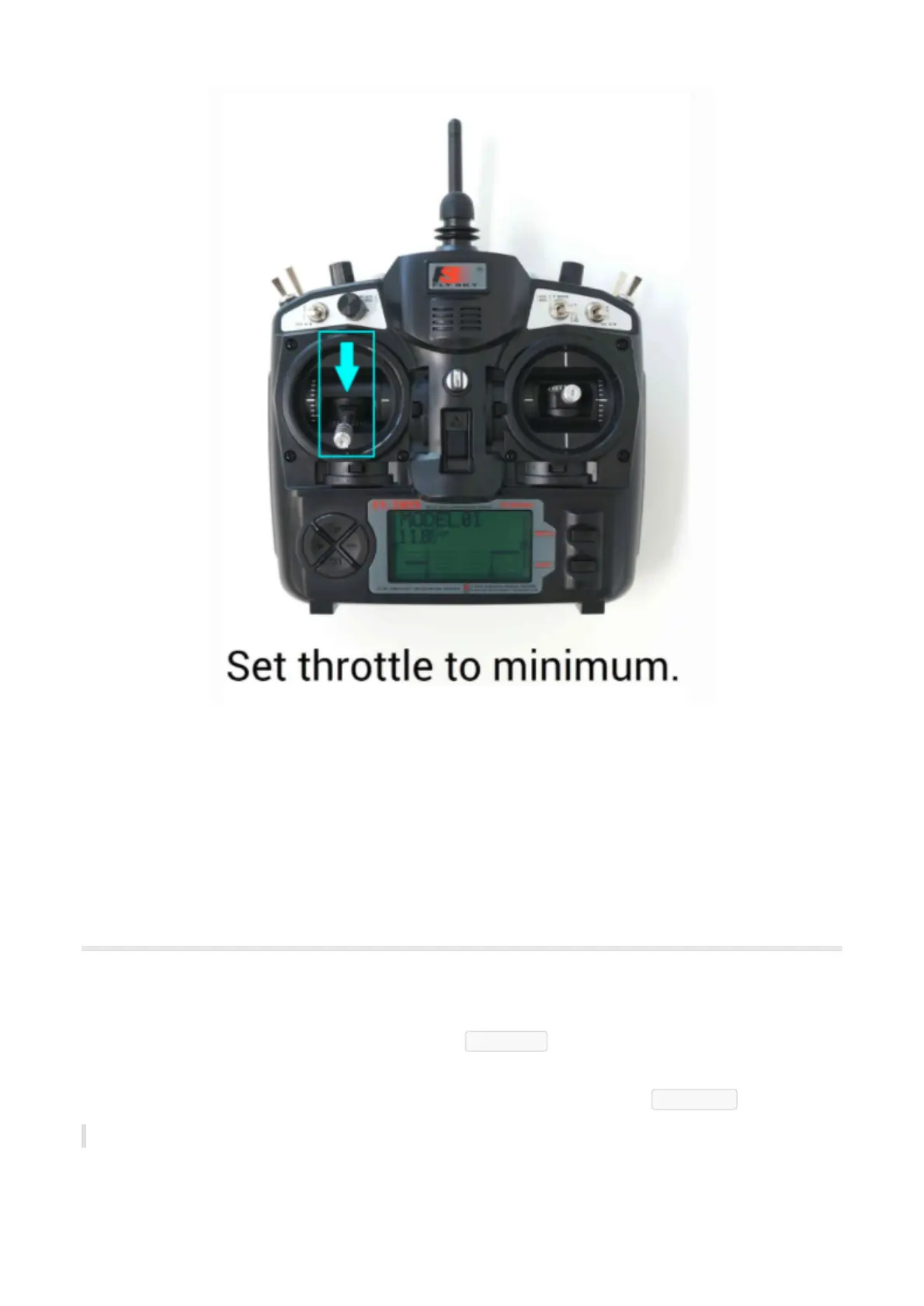
8. The ESCs should then emit a long tone indicating that the minimum throttle has been captured and the
calibration is complete.
9. If the long tone indicating successful calibration was heard, the ESCs are “live” now and if you raise the
throttle a bit they should spin. Test that the motors spin by raising the throttle a bit and then lowering
it again.
10. Set the throttle to minimum and disconnect the battery to exit ESC-calibration mode.
Flight Mode Configuration
Flight modes configuration
The flight mode channel is the input radio channel that ArduPilot monitors for mode changes. On Copter
this is always channel 5 (can be changed in parameter FLTMODE-CH ).
Toggle the corresponding button to the desired position. As you move your transmitter’s flight mode switch
the green highlight bar will move to a different position. When finished press the Save Modes button.
You can enable up to 6 autopilot control/flight modes to be set from your RC transmitter.


 To Next Page