Robot Brain Setup
Robot Battery Charging and Usage
Items you need:
• Robot Battery Charger P/N: 228-2743
• Battery Charger Power Cord appropriate for your region
• Robot Battery P/N: 228-2604
See the Battery Safety information in the Appendices. Plug the Battery Charger Power Cord
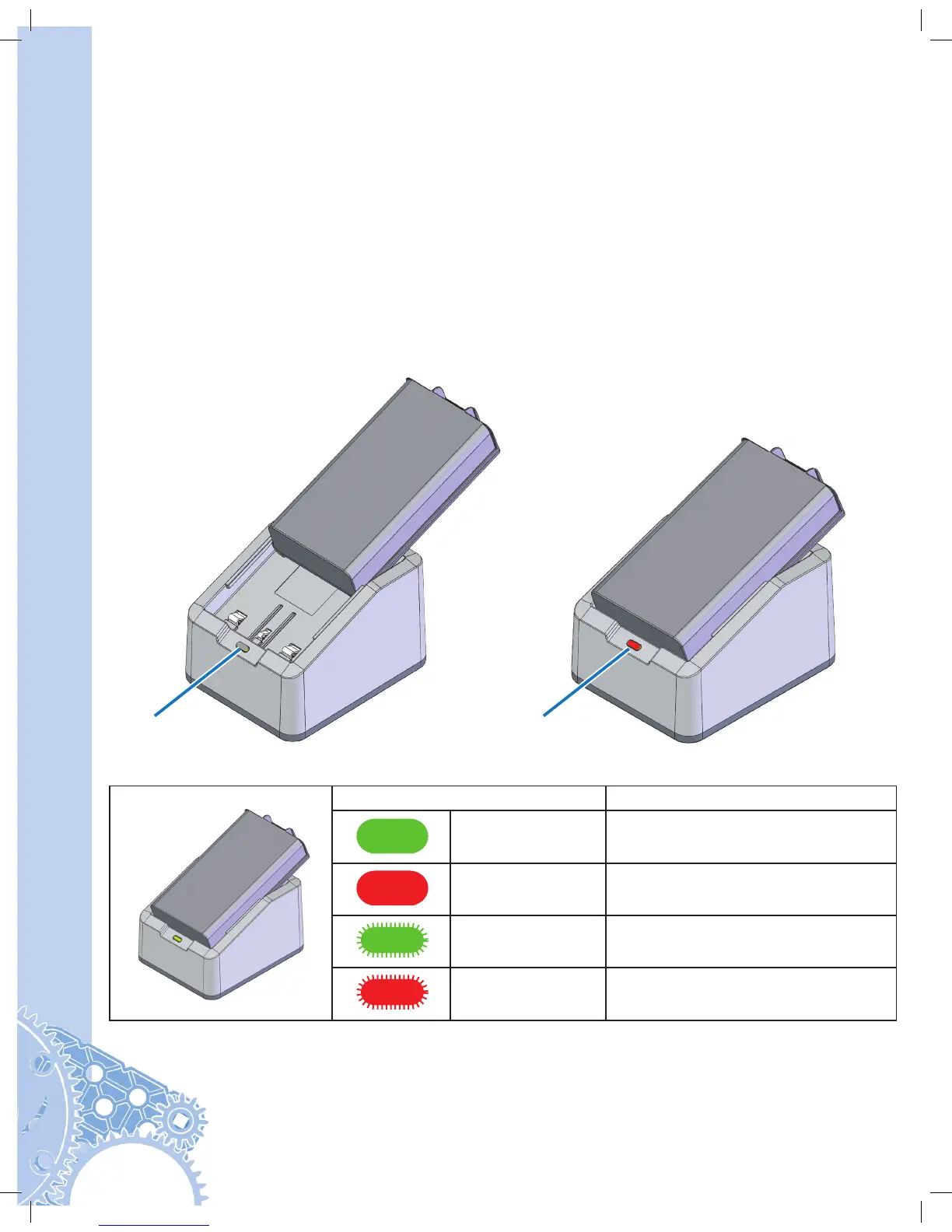
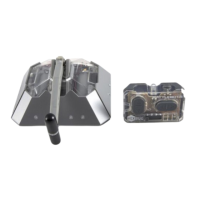
into Robot Battery Charger. Plug the power cord into an AC outlet. Insert the Robot Battery
into the charger. The LED should turn red. The LED will turn green once the battery is
charged. The battery will continue to trickle (slowly) charge after the LED is green.
Robot Battery Charger LED
LED Color Status
Solid Green Battery is Fully Charged
Solid Red Battery Charge in Progress
Blinking Green Over Temperature Fault
Blinking Red Battery Fault
Turns red
or green.
LED






 To Next Page