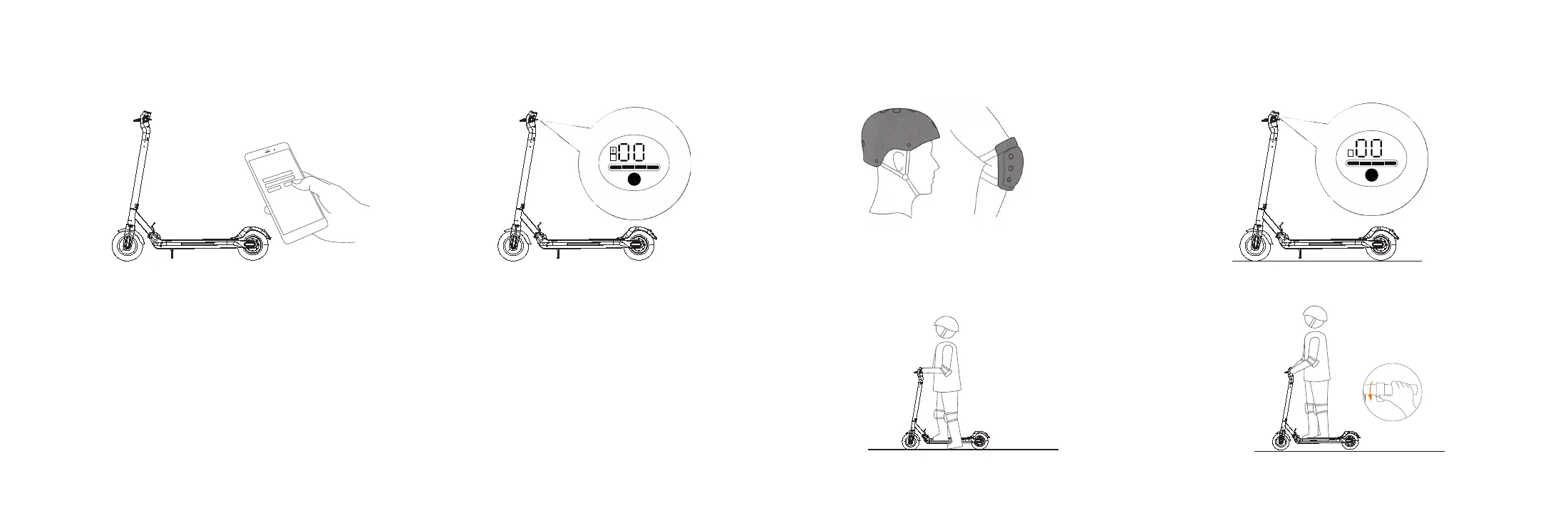
1. Install the App.
76
7. How to Ride
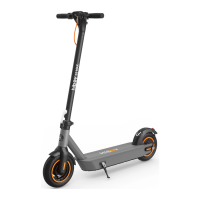
2. Power on the HIBOY MAX Electric Scooter. A
blinking Bluetooth icon indicates the Scooter is waiting
for a connection.
3. The Bluetooth icon will stop blinking and remain illuminated
when the connection is successful.
You can now start to use your Electric Scooter, check the
status with App, and interact with other users. Have fun!
1. Before riding: wear helmets and knee pads in case of falls and injuries when you learn to ride the
scooter.
Always wear a helmet and safety gear to
avoid falling and injury during the driving
learning, as shown in the figure.
1. Turn on the scooter, and check the electricity
indicator.
3. When the scooter starts to glide, put both feet on
the footrest and press the accelerator.
2. Stand on the footrest with one foot, and push
off with the other foot to starting gliding.
m p h
k m/ h
s
m p h
k m/ h
s


 To Next Page