Maintanance
Checkpoints
• Check each of the propeller blades for wear, erosion from cavitation or ventilation, or other
damage.
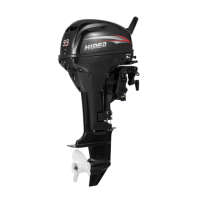
• Check the propeller shaft for damage.
• Check the splines pin for wear or damage.
• Check for sh line tangled around the propeller shaft.
• Check the propeller shaft oil seal for damage.
Removing the propeller
Spline models
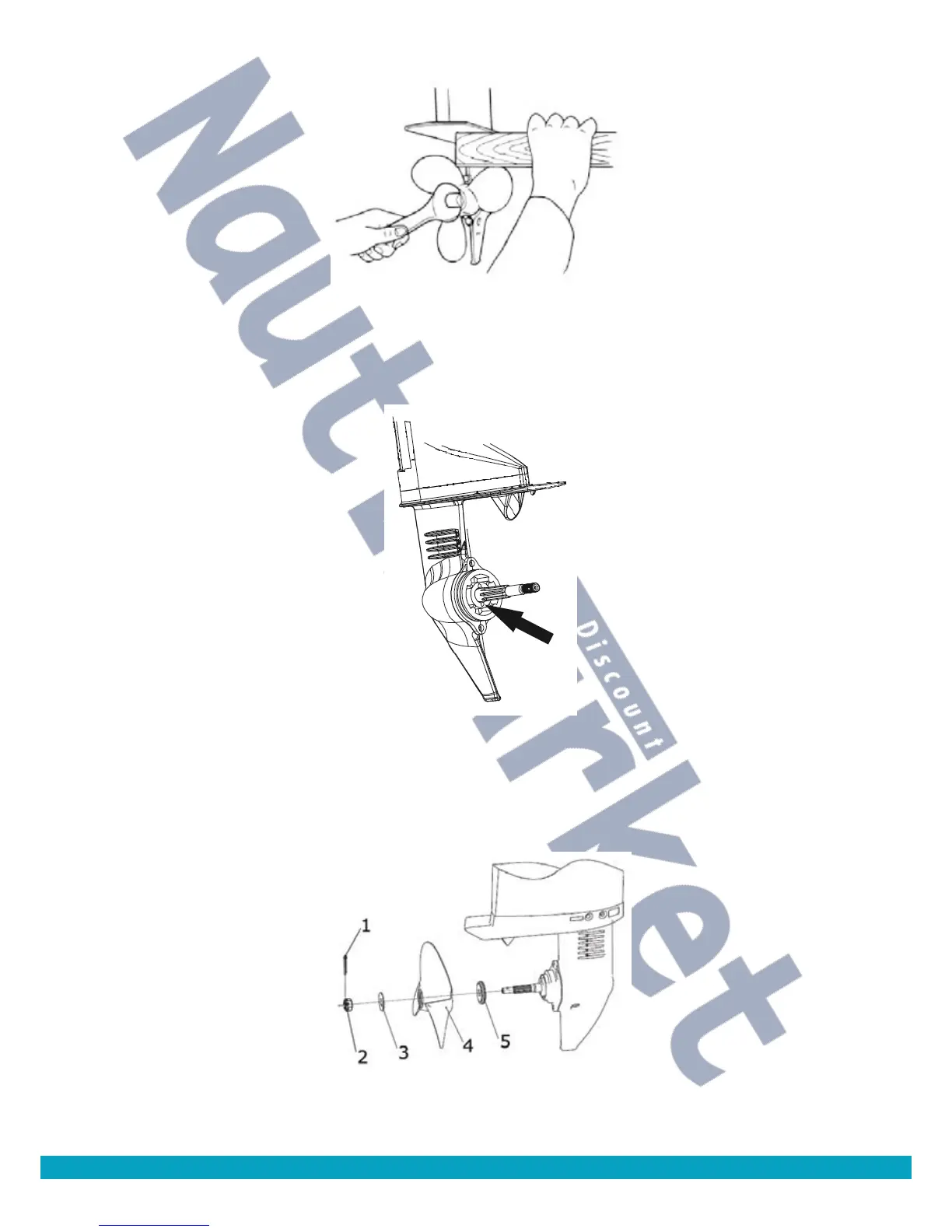
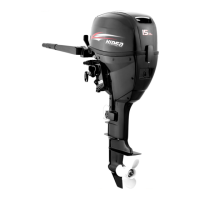
1. Straighten the split pin and pull it out using a pair of pliers.
2. Remove the propeller nut and washer.
1.Cotter pin
2.Propeller nut
3.Washer
4.propeller
5.Thrust washer
3. Remove the propeller and thrust holder.
40


 To Next Page