SETTINGS
10
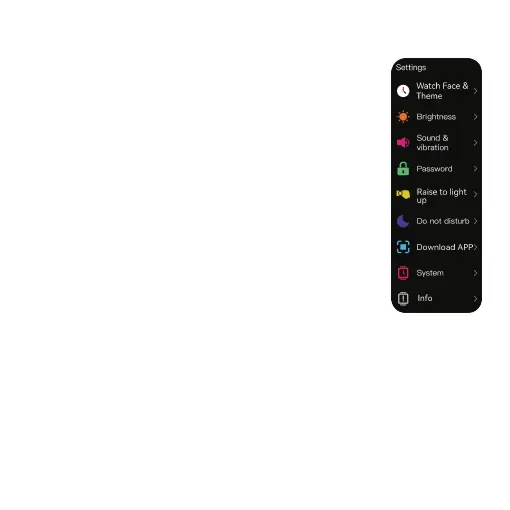
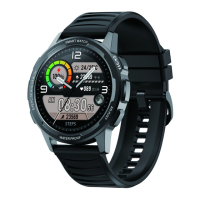
Tap on “Watch face" to choose the background of your device. You can also
customise the watch face in the HiFuture Fit.
WATCH FACE & THEME
You can use this feature to choose vibration levels and turn o the vibration
on your watch altogether.
SOUND & VIBRATION
Tap on “Brightness" to adjust the brightness of your device.
BRIGHTNESS
You can use this feature to set and change your password on your watch.
PASSWORD
Turn this feature on, and when you lift your wrist, the screen lights up.
RAISE TO LIGHT UP
You can use this feature to access the QR code to download the HiFuture Fit.
DOWNLOAD APP
If this function is enabled, messages do not disturb.
DO NOT DISTURB
You can use this feature to reboot, power o or reset your device.
SYSTEM
Tap on Info to view the device information.
INFO


 To Next Page