05
APP SET UP
Before pairing, make sure that your sma phone and smawatch
are next to each other. The app will ask for personal information
such as height, weight and sex to calculate your stride length,
distance covered, calorie burn rate and metabolic rate. When you
set up your account, your name and prole picture will be visible
to other users.
• Turn on the Bluetooth and location on your mobile device.
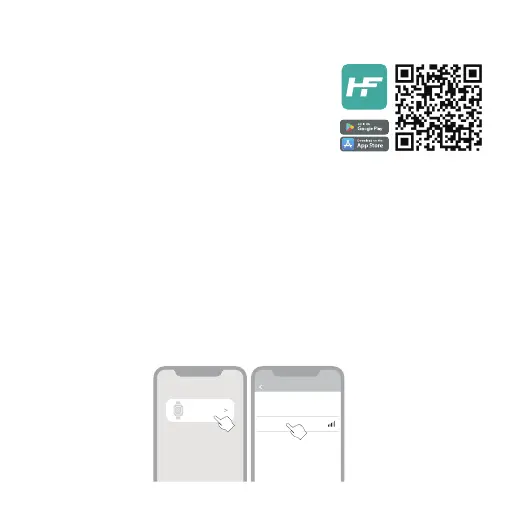
• On your sma phone, download the HiFuture Fit app from the
Play Store or the App Store and install it.
• Create an account or log in using an existing account.
Note: Ensure that your sma phone is running on Android 9.0+ or
iOS 11.0 +and is connected to mobile data or a Wi-Fi network.
PAIR THE WATCH
Open the HiFuture Fit app and allow the Bluetooth and GPS positioning to be turned on. Feed in your
personal information and health goals in the app. Go to the “Device” section in the app, tap on “Add
Device” then “Search”. Select “APEX”and link the watch.
HiFuture Fit
Select device
Add Device
APEX
Connecting device Help
“searching”
Please put the device cloce to the phone as
much as possible



 To Next Page