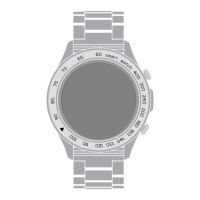
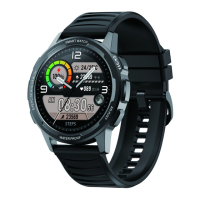
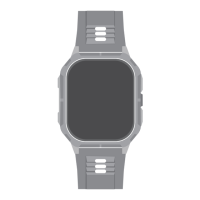
The APEX smawatch contain the following:
DEVICE INFORMATION
You can update your APEX via the HiFuture Fit App. In the app, select “Prole”, go to “Settings” &
check for version updates.
TIPS
You can nd the watch's current rmware on the watch. Go to “Device” and tap on “Firmware
update" to view the current rmware version.
HOW DO I FIND MY WATCH'S CURRENT FIRMWARE VERSION?
HOW DO I UPDATE MY APEX ?
APEX estimates how many calories you've burned based on the physical activity data and your
hea rate.
HOW DOES THE WATCH ESTIMATE HOW MANY CALORIES HAVE BEEN BURNED?
You can do it through the HiFuture Fit App. In the app, select “Prole” and go to “Target setting” to
change your goals.
HOW DO I CHANGE MY ACTIVITY GOALS?
DEVICE INFORMATION AND TIPS
12
2.04" AMOLED Display
IP68 Water Resistance
Hea Rate Monitor
Blood Oxygen Monitoring
Up to 7 Days Daily Use
Notications Sync
Alarm
Bluetooth Calling
The APEX smawatch stores your activity data for up to 7 days between the time you sync your
watch to the HiFutureFit App. Activity data includes your steps, distance, calories, active minutes,
hea rate, sleep duration and workout data. We recommend syncing the watch to the app daily.



 To Next Page