OPERATION
1. Power Level
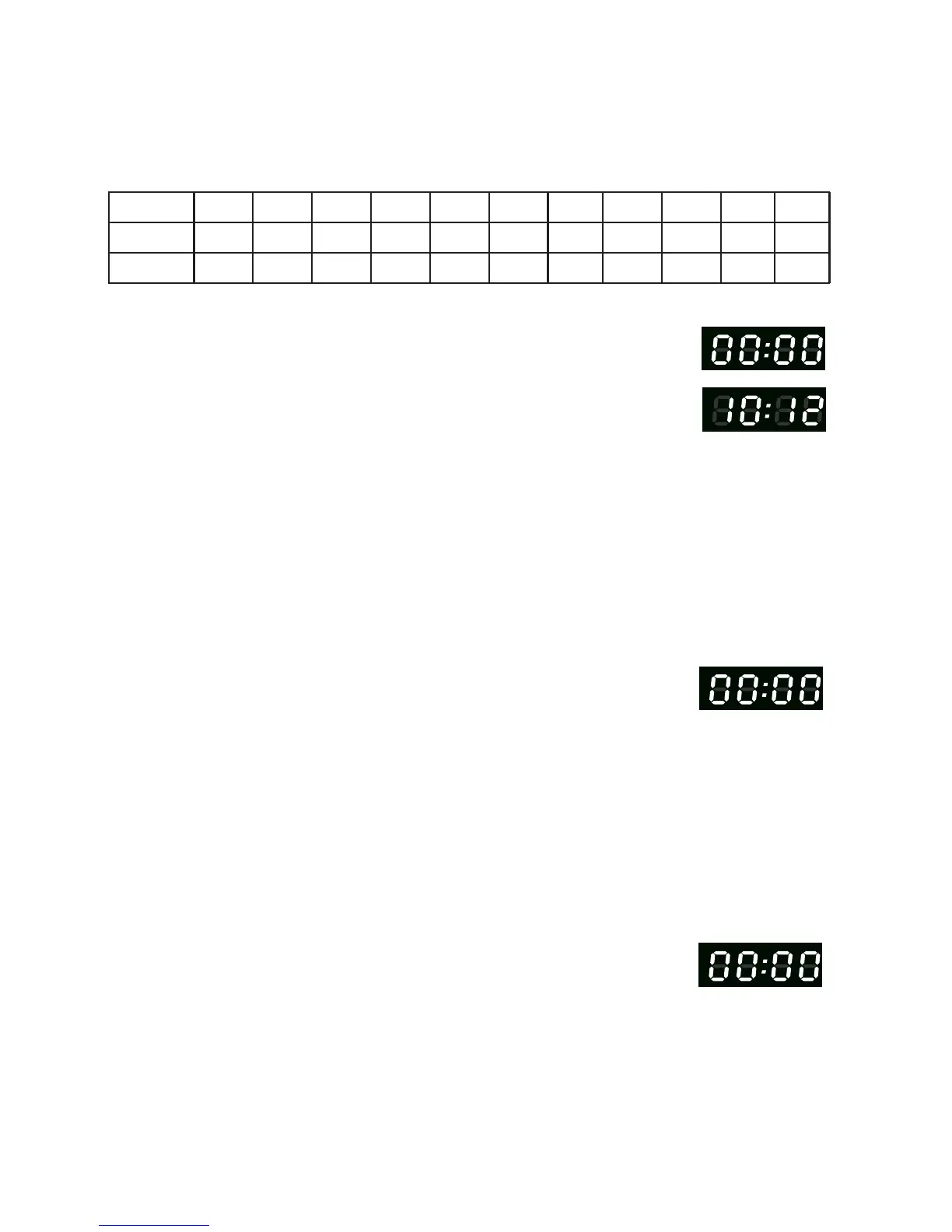
11 power levels are available.
Level
Power
Display
10
100%
PL10
9
90%
PL9
8
80%
PL8
7
70%
PL7
6
60%
PL6
5
50%
PL5
4
40%
PL4
3
30%
PL3
2
20%
PL2
1
10%
PL1
2. Clock Setting
(1) Press " CLOCK
(
2) Press the number keys and enter the current time. For example,
time is 10:12 now, please press "1,0,1,2 .
(3) Press " CLOCK " to finish clock setting. ":" will flash and the clock will be lit.
(4) If the numbers are not within the range of 1:00-12:59, the setting will be invalid
until valid numbers are input.
3. Kitchen Timer
(2)
Press the number keys
and enter the timer time. (The maximum cooking time is
99 minutes and 99 seconds)
(3) Press " START/+30SEC. " to confirm setting.
(4) When the timer time arrives, the buzzer will beep 5 times.
2) When using the kitchen timer, o program can be set.
4. Microwave Cook
(2) Press number keys to input the cooking time he maximum cooking time is 99
minutes and 99 seconds.
0
0%
PL0
there is no operation selected within 1 minute, the oven will go back to the previous setting
automatically.
(2) If the clock needs to be reset, repeat steps 1- 3.
(1) Press "TIME COOK" once, LED will display "00:00".
(3) Press " POWER " once, LED will display "PL10". The default power is 100% power.
Now you can press number keys to adjust the power level.
(4) Press " START/+30SEC." to start cooking.
Note: (1) In the process of clock setting, if the " STOP/CANCEL" button is pressed or if
If the clock is set, he LED will display the current time.
(1) Press "KITCHEN TIMER ," LED will display 00:00 .
Note: 1) The kitchen timer is a timer and will not display the "Clock"
" "00:00" will display.
" "
t
.
n
"
,
.
. T



 To Next Page