14. MEMORY FUNCTION
(1) Press "0/MEMORY" to choose memory setting 1-3. The LED will display 1,2,3.
(2) If the setting has been program ed, press " START/+30 SEC." to use it. If not, continue
ch ose the setting. Only one or two stages can be set.
Example: to program the following setting as the second memory,
to cook the food with 80% microwave power for 3 minutes and 20 seconds.
The steps are as follows:
a. In waiting state, press "0/MEMORY" twice, the screen displays "2".
b.Press "TIME COOK" once, then press "3", "2", "0" in order.
c. Press "POWER" once, "PL10" displays, then press "8" and "PL8" displays.
memory 2 and it will start cooking.
e. If power is lost, the "0/MEMORY"
setting
will
need
to
be
reprogram e
.
12.
a) Press " DINNER PLATE " repeatedly until the number you wish appears in the
display, "9.0","12.0","18.0" oz will display in order.
For example, press "DINNER PLATE" once, "9.0" appears.
b) Press "START/+30 SEC." to cook, buzzer sounds once. When cooking finish , buzzer
sounds five times.
13.
a) Press " PIZZA " repeatedly until the weight of your pizza appears in the
display, "4.0", "8.0", "14.0" oz will display in order.
For example, press "PIZZA" once, "4.0" appears.
b) Press "START/+30 SEC." to cook, buzzer sounds once. When cooking finish , buzzer
sounds five times.
(3) After finishing the setting, press "START/+30 SEC." once to save the setting.
d. Press "START/+30 SEC." to save the setting. Buzzer sounds once and the LED will
screen displays "2", then press "START/+30SEC." to run.
display "2". If you press "START/+30SEC." again, the setting will be saved as
f. If you want to run the saved setting, in waiting state, press "0/MEMORY" twice,
Press " START/+30 SEC." again, it will start cooking.
DINNER PLATE
m
o
m
es
es
to
PIZZA
d
11.
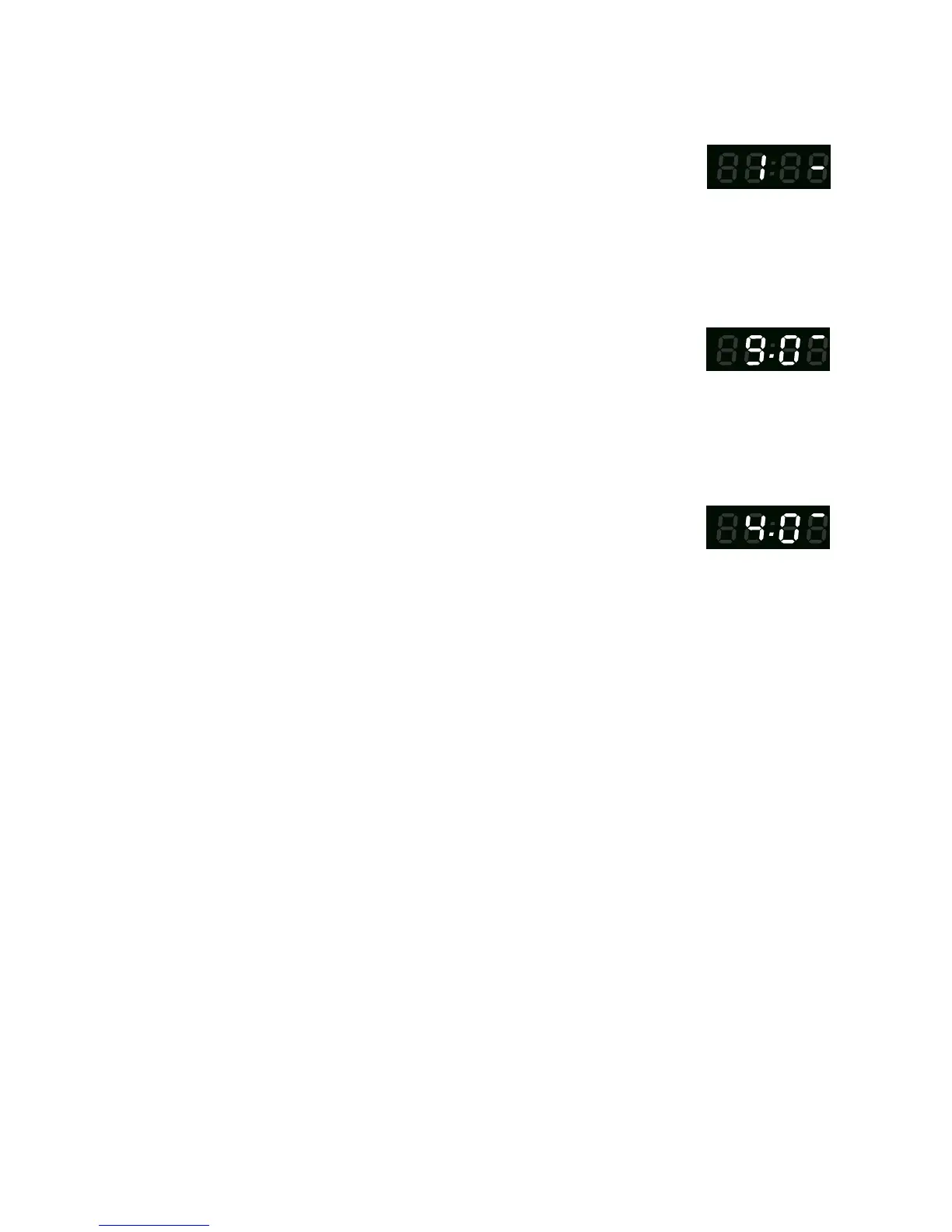
a) Press " BEVERAGE " repeatedly until the number you wish appears in the
display, "1", "2", "3" cup will display in order.
For example, press "BEVERAGE" once, "1" appears.
b) Press "START/+30 SEC." to cook, buzzer sounds once. When cooking finish , buzzer
sounds five times.
BEVERAGE
es



 To Next Page