ISO 9001 2008
The World’s Source for High Voltage Test Equipment
MADE IN THE USA
High Voltage, Inc. • hvinc.com • p. 518.329.3275 • f. 518.329.3271 • 31 County Route 7A • Copake, NY 12516 USA
Step 7: Establish Wireless Connection Between
VLF and PC via the Xbee Protocol
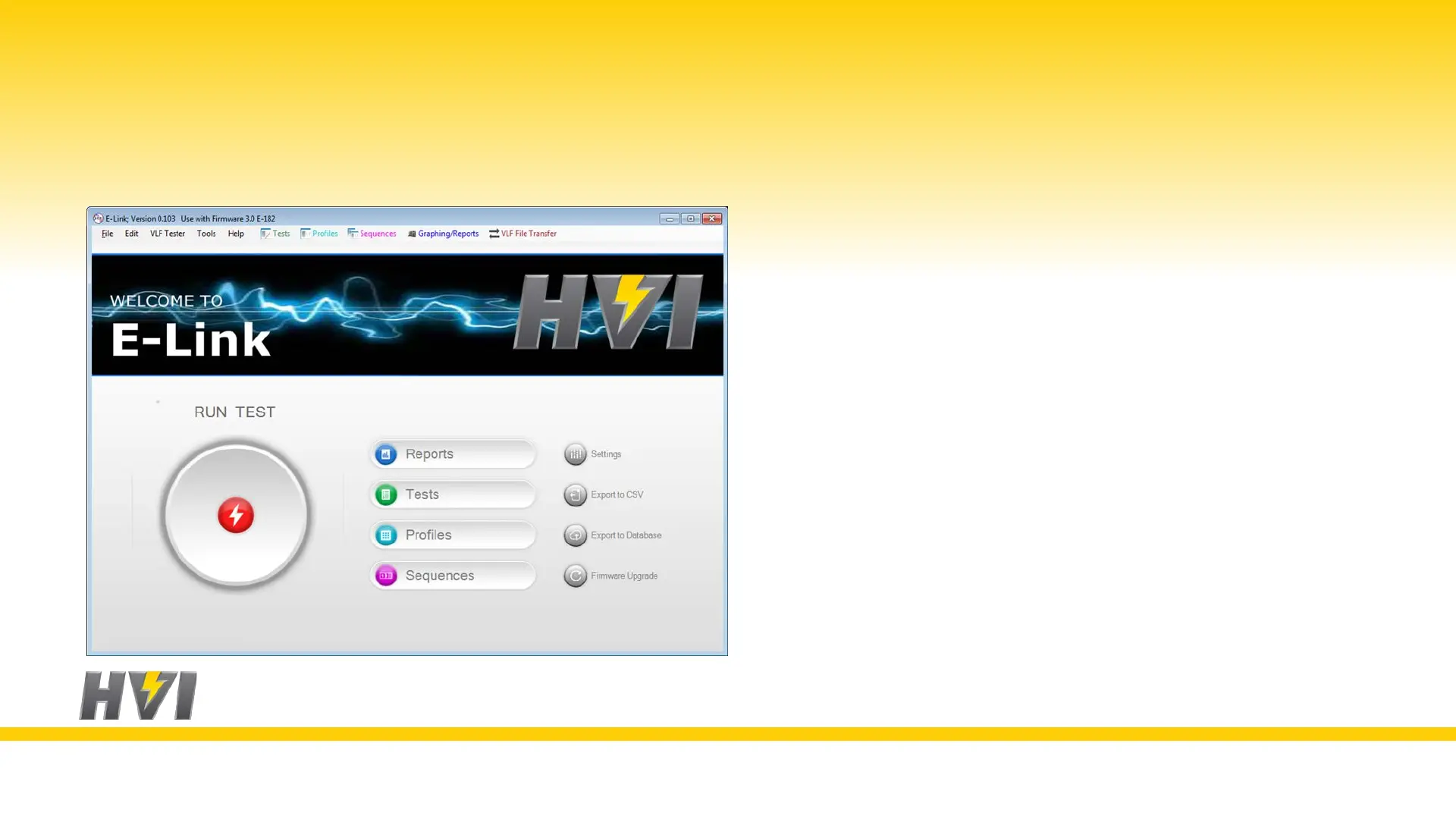
1. Install the E-Link software from the red HVI flash drive
2. Open the E-Link software
3. Click on “Settings”
4. Click on the “Communications” tab
5. Click the “Auto Detect” button
6. The software should automatically assign a serial port
7. Click “Close”
8. If you have issues please contact factory@hvinc.com


 To Next Page