9
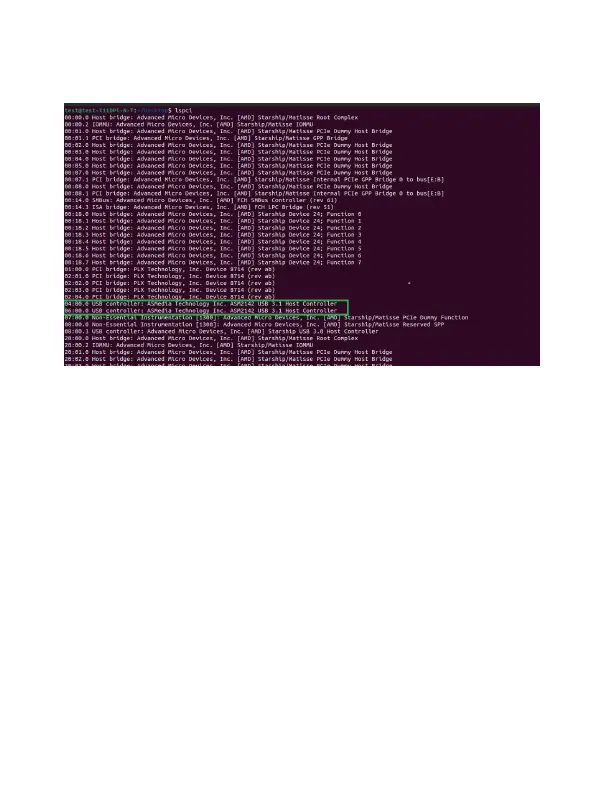
Note: USB3.1 has been renamed to USB3.2, but the system display
has not been updated to USB3.2, the current display is still USB3.1.
Connecting USB Storage Devices
1. Power on the system.
2. Connect the USB device to the HighPoint RocketU HBA with a USB
cable.
3. For hard drives or enclosures, allow the device to spin up for a few
moments. Once the devices are ready, they will be recognized by
the operating system and can be accessed as needed.



 To Next Page