Need help?
Do you have a question about the HighSecLabs DK42P-3 and is the answer not in the manual?
Overview of HighSecLabs Secure KVM Switches, highlighting their security and user experience benefits.
Step-by-step guide for connecting peripherals and computers to the KVM switch.
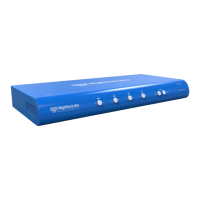
Details on using the front panel buttons for channel selection and status indication.
Explanation of the fUSB port's functionality, including authentication device handling and status LEDs.
Enables seamless computer switching via mouse cursor movement across display borders.
Describes switching between KVM (shared peripherals) and KM (shared keyboard/mouse) modes.
Lists available keyboard shortcuts for system functions like reset and mode switching.
 General
| Brand | HighSecLabs |
|---|---|
| Model | DK42P-3 |
| Category | Switch |
| Language | English |


 To Next Page