Thermal Imager User Manual
2
1.3 Connect Thermal Imager and HIKMICRO Viewer
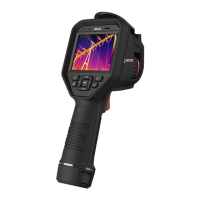
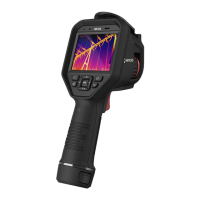
Figure 1-3 Connect Thermal Imager to the APP
The thermal imager in figure above is for demonstration ONLY.
If connected successfully, “Connected” will show on the home screen.
1.4 User Manual
In the home screen, tap Device Info > Help for detailed information about
the device.








 To Next Page