Thermal Imager User Manual
5
Table 2-1 Live View Interface Icons
Enhance the object outlines for better
image display.
View the digital camera image of your
phone.
The device will automatically implement
Flat Field Calibration (FFC) after you turn
it on.
The device will implement Flat Field
Calibration (FFC) one time after you tap
the icon.
The thermal image rotates by 90
degrees.
Palattes and
Display
Termperature
Range
Auto
:
Display temperature range
will be automatically adjusted
Manual
:
Drag the temperature value
to adjust temperature range. In manual
adjustment, the palette turns to focus
palette mode, in which objects falling in
the range remain the selected palette
while the rest is displayed in white hot
palette.
Adjust brightness, sharpness, contrast
and color distribution.
Set parameters for real-time
temperature measurement.
View sanpshots and videos.
Set rules for temperature measurement.
Select color styles for thermal imaging.
2.1.2 Adjust Image Display
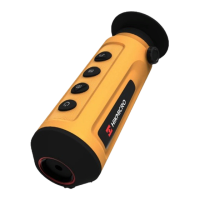
Focusing Adjustment (for Some Imagers)
Aim the thermal lens to your target, and rotate the focus ring to make the
image clear.








 To Next Page