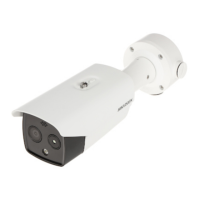
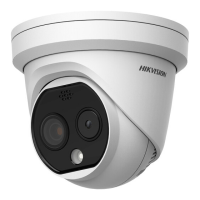
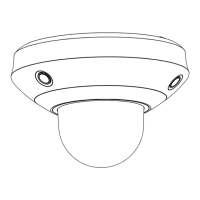
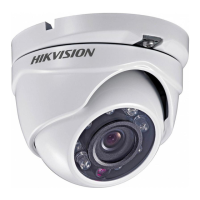
Figure 6-10 Hood the Cover
6.2.3 Installation of Cylindrical Sensor Unit
This series of camera only support concealed mounting.
Please make sure that the mounting surface is suitable for adhesive pasting.
Steps:
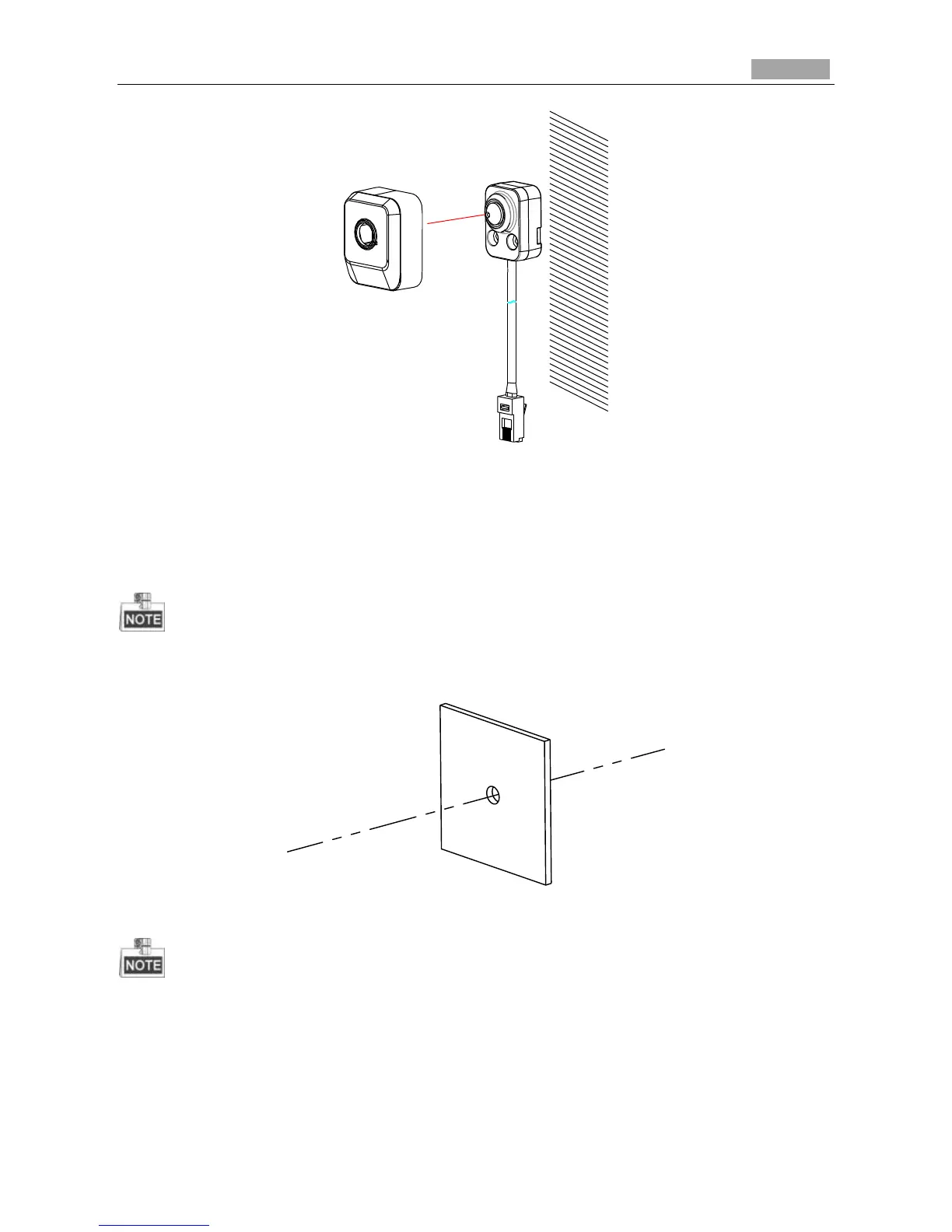
1. Drill on the mounting surface. As shown in Figure 6-11.
Figure 6-11 Drill on the Surface
Make sure that the drilling hole is big enough for the camera lens.
2. Remove a side of the adhesive tape on the bracket. Paste the bracket on the mounting surface with
aligning with the drilling hole. As shown in Figure 6-12.

 To Next Page
 Loading...