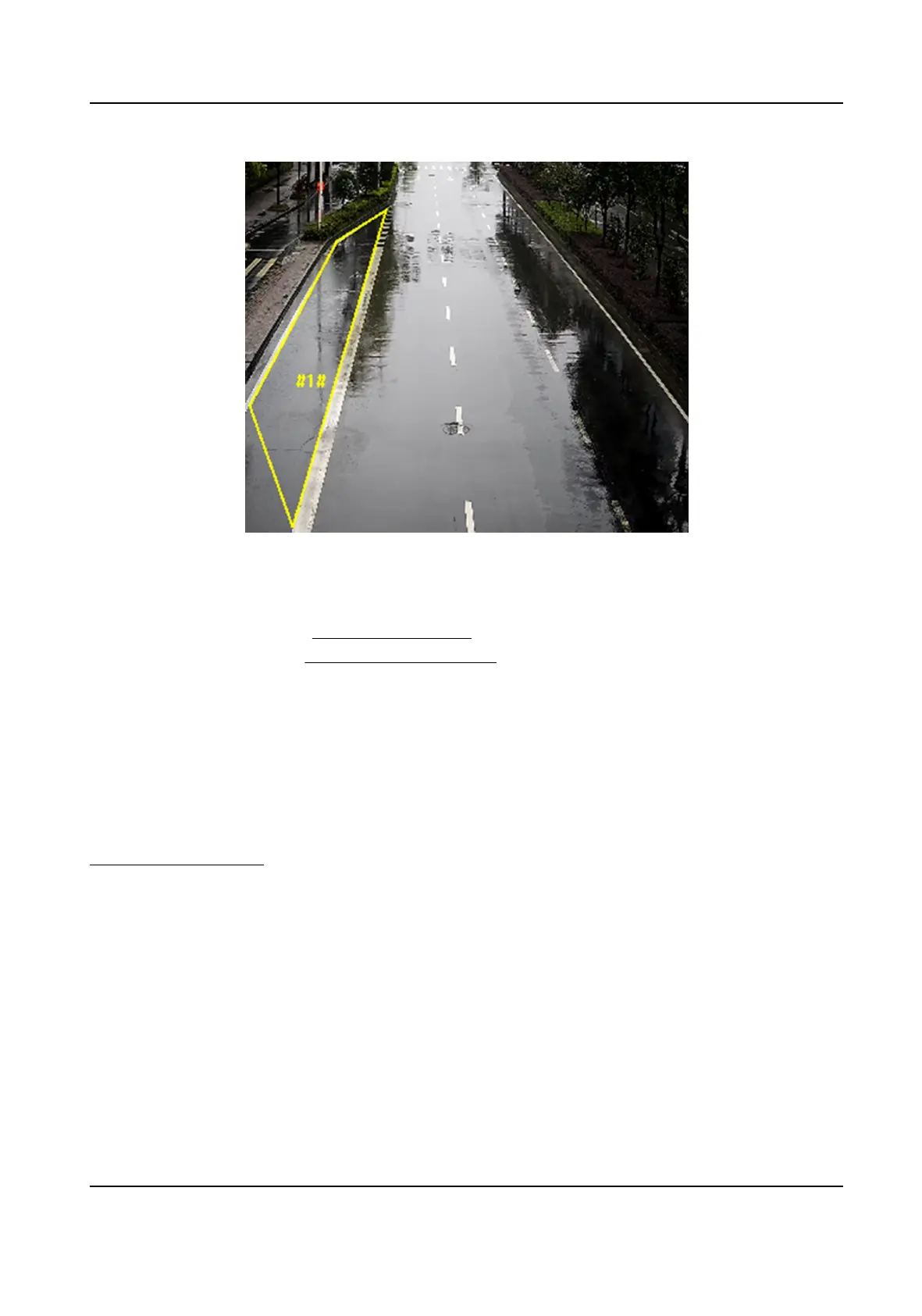
Figure 8-6 Draw Area
8.
Click Save.
9.
Repeat above steps to set other regions.
10.
Set arming schedule. See
Set Arming Schedule .
11.
Set linkage method. See Linkage Method Sengs .
8.2.5 Set Region
Exing Detecon
Region exing detecon is used to detect the objects movement of exing from a predened area.
When it occurs, the device takes linkage acons as response.
Before You Start
You need to enable Smart Event on the VCA Resource page to show the conguraon page. See
Allocate VCA Resource for instrucons.
Steps
1.
Go to Open Plaorm → Smart Event → Region Exing Detecon .
2.
Check Enable.
3.
Oponal: Click Lock to lock PTZ control to prevent the interrupon from other PTZ related acon
during conguraon.
Normally, the PTZ control is automacally locked when you enter the conguraon interface.
You can manually resume the lock when the countdown is over.
4.
Adjust the live image to the desired scene by using PTZ control
buons.
5.
Draw detecon area.
1) Select a Region No.. Up to 4 regions can be set.
Network Speed Dome User Manual
61


 To Next Page
 Loading...