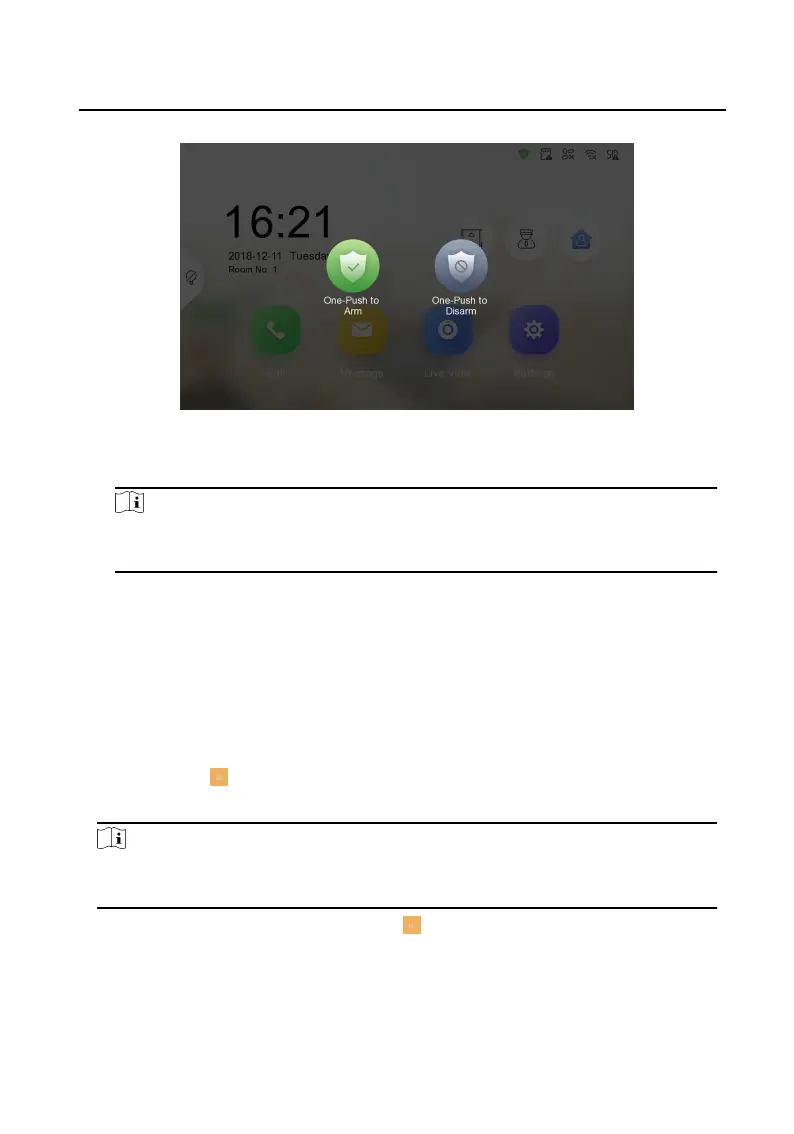
Figure 2-6 Disarm Room
2. Enter the arm/disarm password.
Note
You can set the arm/disarm password in the general sengs. For details, see the
conguraon guide.
3. Tap OK.
2.5 Arming Mode
Sengs
4 arming modes can be congured: stay mode, away mode, sleeping mode and
custom mode.
Before You Start
Tap Sengs → → Shortcut Sengs to enable Alarm.
Steps
Note
On the home page, the arming status funcon and zone sengs funcon are hidden
by default. You should enable the alarm funcon rst.
1.
Back to the home page, tap Sengs → → Scene Sengs to enter the arming
mode sengs page.
2. Tap Stay Mode, Away Mode, Sleeping Mode, or Custom to enter the page.
Network Indoor
Staon Operaon Guide
8


 To Next Page
 Loading...