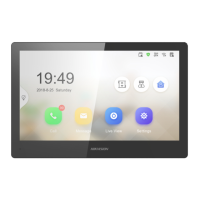
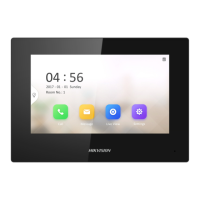
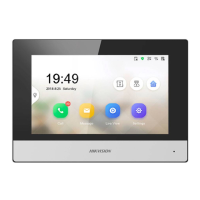
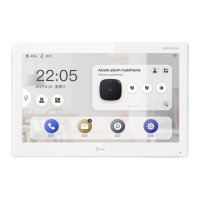
Figure 3-9 Password Reset Methods
3.
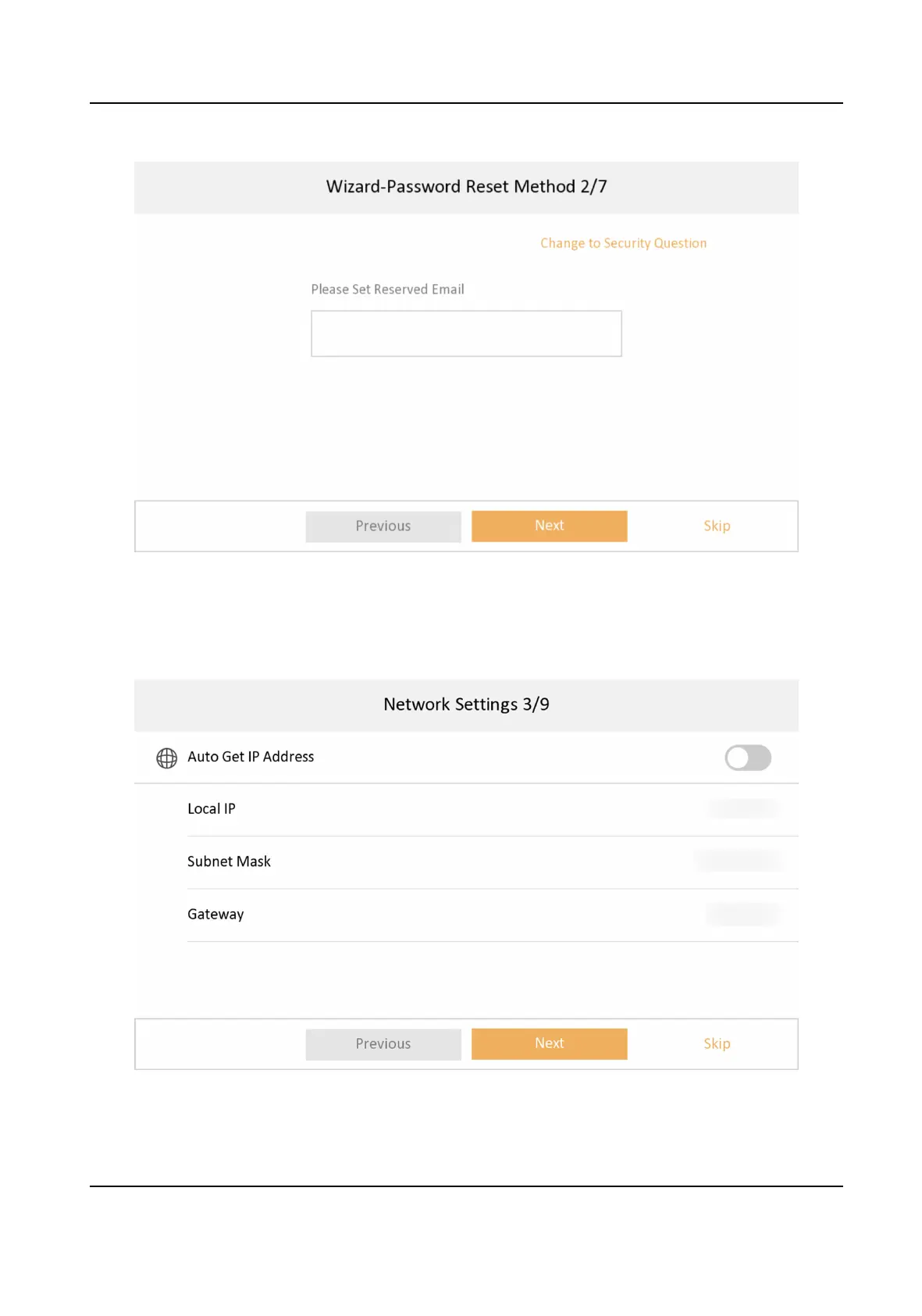
Set network parameters and tap Next.
-
Edit Local IP, Subnet Mask and Gateway parameters manually.
-
Enable Auto Get IP address, the device will get network parameters
automacally.
Figure 3-10 Network Parameters
Network Indoor Staon Conguraon Guide
10


 To Next Page
 Loading...