UM DS-2CCx2D9T-xxxx 022520NA (UD02874B-A) 34
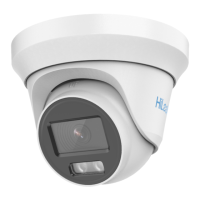
Figure 22, 3-Axis Adjustment
2.3.2. Mounting with Junction Box
You need to purchase a junction box separately if
mounting with a junction box.
1. Attach the drill template to the wall/ceiling.
2. Drill screw holes and cable hole in the wall/ceiling according to
the drill template holes.
3. Attach the junction box to the wall/ceiling by aligning the
junction box screw holes.
4. Secure the junction box with the PA4 × 25 screws on the
wall/ceiling.


 To Next Page
 Loading...