32
security
PROTEC4GSM - PROTEC8GSM - Installation guide and use
security
Programming
33
3.2.22 Devices 24 H 485
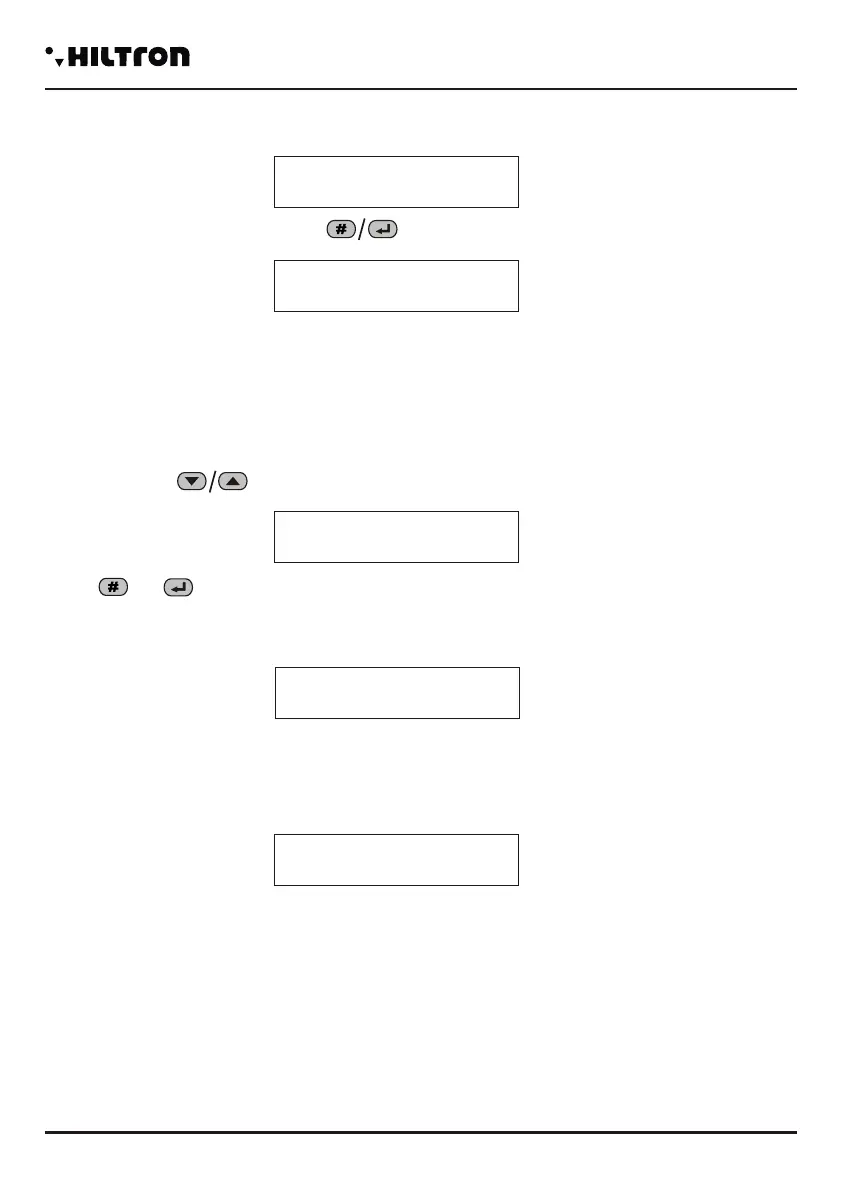
It is possible to compel the central computer to generate a cycle of alarm 24h when the communication on
a device connected on the bus 485 is interrupted. To activate/disconnect this function select the buttons
in the setup menu the option:
Dial or
3.2.23 Functioning OUT+INT
This option indicates to the central computer to manage the OUTPUT +INT in two ways:
Activate/Disconnect the output on the command ON-OFF or on insertion / disarming on the central unit
(On for the insertion)
Select the option:
press the button or you can change the settings of the output in:
The command ON/OFF that activates the output +INT of the central computer is accessible in the control
menu and the voice menu both from local and from remote, only if you chose “COMMAND ON/OFF.
Func.
Command
OUT +INT
ON/OFF
+INTOUTFunc.
For insertionON
24H Device 485
Disconnected
24H Device 485
Connected
3.2.24 Forwarding SMS
If enabled, the combiner sends all the received SMS to the inserted number in the position number 1 of
the phonebook.
For status change , press the buttons :
When disconnected, the combiner ignores all the received SMS.
(For example when some inserters send the messages for the lack of credit).
3.2.25 GSM MODULE
It is possible to switch off the GSM module disconnecting all the phone communications and allowing to
insert the phone SIM CARD in the connector on the circuit of the central unit.
Select the buttons the option:
Press or to modify the settings in:
With the module turned off, the SMS and the voice calls won't be allowed and the receiving calls won't be
answered.
The Led of the GSM will be turned off when the module is turned off and it will be a signal on the display:
Turn on the GSM module as soon as possible in order to restore the full operativity of the central unit .
Forwarding
Connected
SMS
Forwarding
Disconnected
SMS
Module GSM
On
Module GSM
Off
GSM OFF


 To Next Page