Programming
7
9
7
7
9
9
Warning no network?
Number 01
123456789 >
Send SMS all.?
SMS no network?
7=YES
7=YES
7=YES
9=NO
9=NO
9=NO
3.1.2 Telephone book
Entering telephone numbers
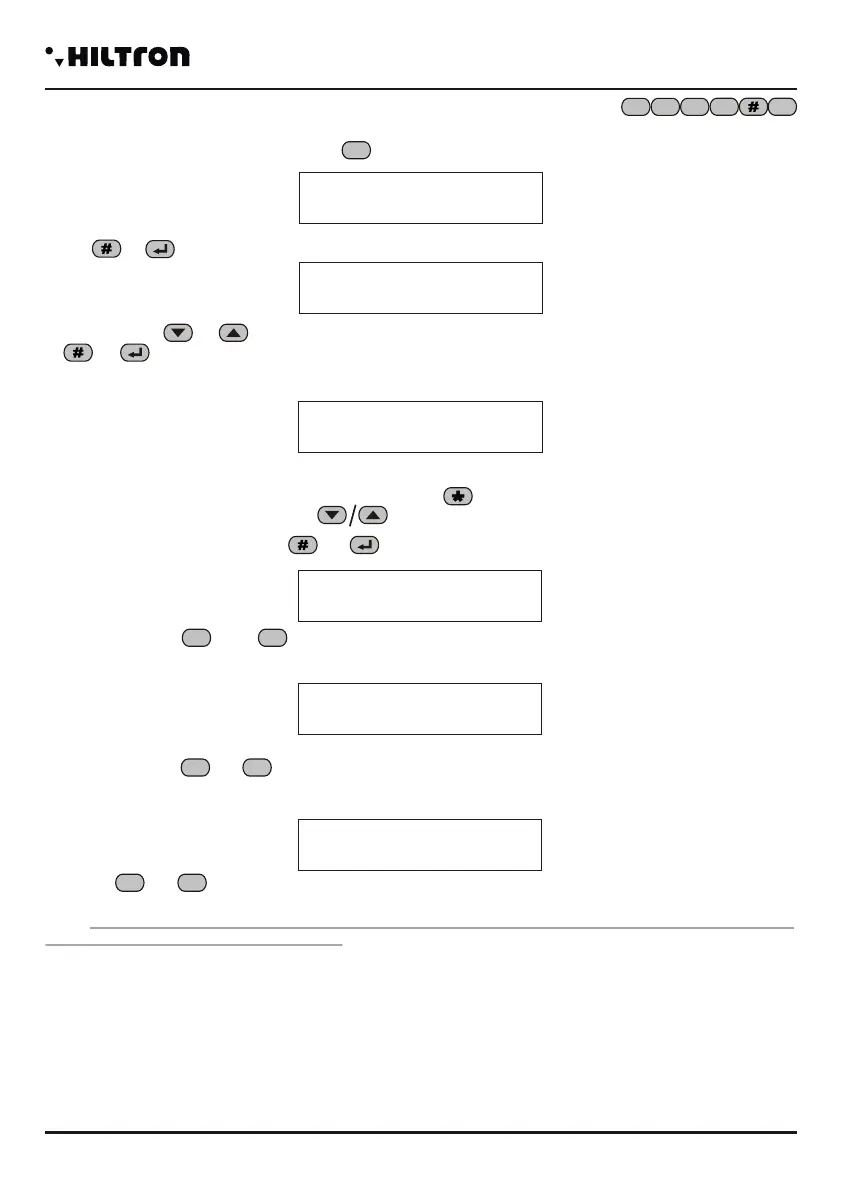
Once you enter the program menu, press to visualize.
Press or . On the diplay will appear:
Use the buttons or to select one of the 16 memory locations of the telephone book and press
or
At this stage you have to enter the telephone number (maximum 16 numbers):
NOTE: In order to correct any typing error use the button to delete the last number you dialled or select
the wrong one using the buttons and dial the correct new number.
In order to confirm press the button or . You can visualize:
Press the buttons or in order to communicate to the central the order to to send or not the
SMS of alarm to the set up telephone number.
When the following inquiry will appear:
Press the buttons or if you wish to send or not a voice message in case of a prolonged lack of
electricity network for the set up number.
When the following inquiry will appear:
Choose or if you wish or not to send SMS in case of a prolonged lack of electricity network
for the set up number.
NOTE: The SMS and the voice call alert are carried out after 30 minutes of lack of electricity network, also
when the central computer is not enabled.
Number 01
Not Programmed
Enter telephone numbers
TELEPHONE BOOK
1
5
6
7
8 1
3 Programming
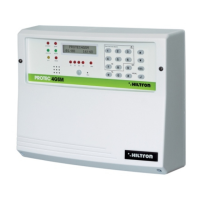
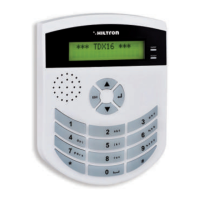
It is possible to interact with the central computer from the console using the panel through the menu:
-Programming menu: you can access by entering the code SETUP ( of default) in order
to program and for the operating parameters of the central computer.
-Control menu: you can access by entering the USER code ( of default) for the
command of the central functions.
-Voice menu: the menu is enabled by pressing the button from the keyboard or from through
telephone connection GSM. Through a guiding voice you can access the control functions dialling your
user code when required.
The control unit displays cyclically the reports related to the status of the system like the state of the alarm
memory the status of the power supply, the exclusion of areas and anomalies of the system.
These indications can be used pressing these buttons
Before to use the central unit, it is necessary to configure its functioning .
5 6 7
8
1 2 3
4
3.1.1 Access to the Programming Menu
Dial the code SETUP ( default) and then or on the System console while the
central computer is turned off.
In the programming menu are available the following entries:
1-Telephone book to insert, modify or erase 16 telephone numbers.
2-Setup to manage the keys, the entry codes, data entry and output, alarm duration,
limitation of the number of alarm cycles, configuration of logical/balanced zones,
capacity control system, mute and privacy for the enterers, enabling of devices
on bus RS485 and management of the alarm 24 h when there is no link,
activation mode output +INT, forwarding received SMS and starting GSM
module.
3 - Info indication about the release of the firmware, IMEI of the module GSM and
indication on the electricity network presence.
4 - Reset of installation To restart the central module GSM.
5 - Cancel Setup To delete all the control panel configurations and bring it to the factory settings..
6 - Call tests For the control of the GSM network.
7 - Welcome msg For the recording and playback of the personalized message.
Press the buttons the preferred voice and confirm the choice with or , or dial the number
of the option to access to the chosen option.In order to exit the menu dial or .
NOTE:
• If you try to enter a wrong code (after having pressed 24 buttons), the keyboard stops working for 15
seconds, during this time you can't try again.
• If you don't use the keyboard for about 1 minute, the central computer closes the program menu and it is
ready for use.
• When the central computer is enabled, it isn't possible to enter the program menu.
• If you forget the SETUP code it is possible to enter the program menu and modify the enter codes,
keeping pressed the SETUP button on the electronic board of the central computer. In order to access to
the board will provide the opening of the case of the central computer enabling an alarm cycle for 24 h.
5 6 7
8
5 6 7
8
security
PROTEC4GSM - PROTEC8GSM - Installation guide and use
security
16 17


 To Next Page
 Loading...