security
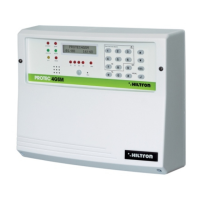
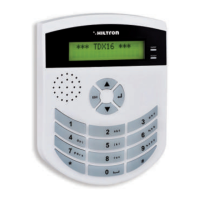
PROTEC4GSM - PROTEC8GSM - Installation guide and use
security
Programming
3736
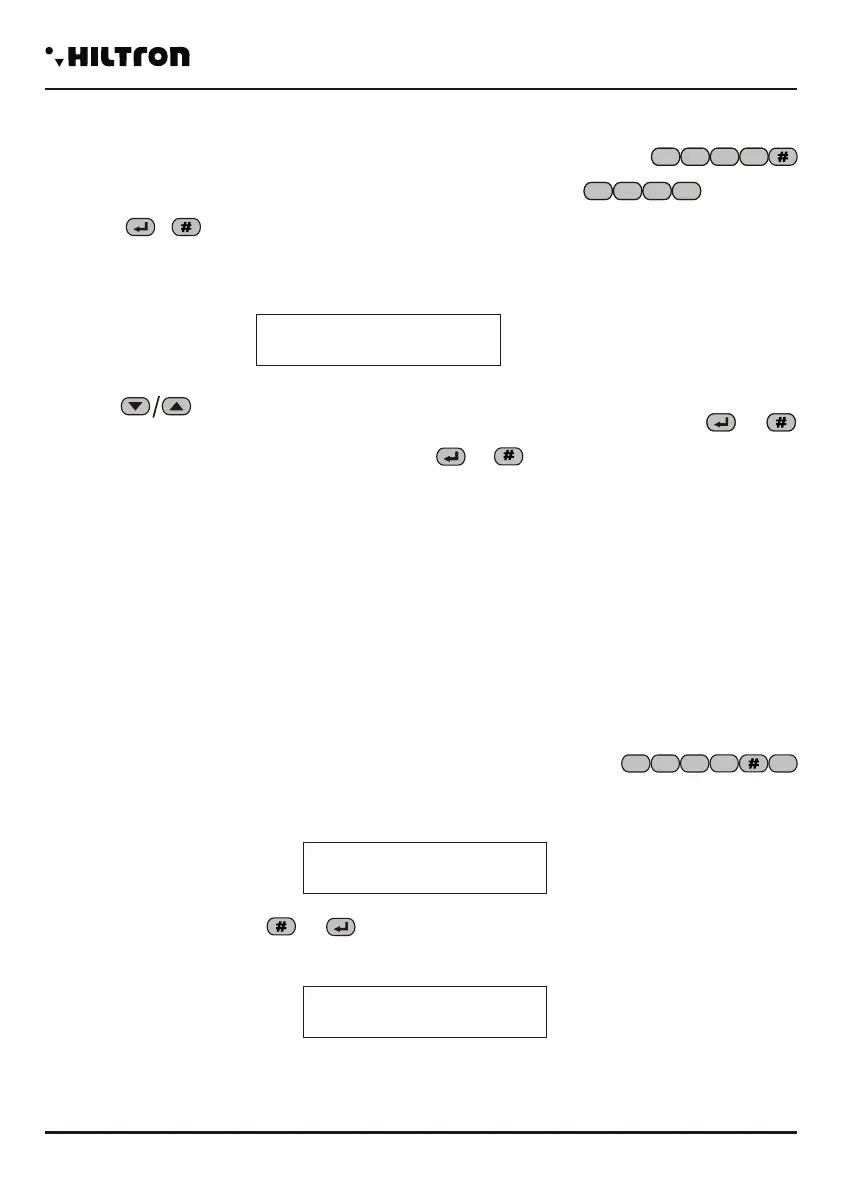
3.7 Initial Message
The initial message is a short audio message regitered by the user that can be useful to detect from
what system is coming an alarm call.
In the Programming menu use the buttons in order to select:
and press the button or or dial (SETUP CODE)
The display will visalize
Keep pressed the button in order to register a new message (maximum 10 seconds).
Dial to listen again to the registered message.
5 6 7
8
7
7 Initial Msg
Ins. Disconnected
7
Initial Msg.
* Play # Rec
3.8 SET UP button
If you don't remember the SET UP CODE it is possible to enter the programming menu by opening
the lid of the central computer and press the SET UP button that is next to the tamper on the panel of the
central computer for 15 seconds.
This allows to stop the cycles of alarm, disconnect the central computer and enter the programming
menu, where you can modify the password for the login.
4.2 Stop the CYCLE
It ends a probable cycle of calls in progress and cancels the signal to the sirens. Selct from the menu
commands :
Confirm the comand by dialling or .
On the display will appear for a while
1
4 Commands
4.1 Enter the menu commands
When the system is connected or disconnected dial the user code (default )
followed by or in order to enter the menu commands.
The first option of the menu that appears depends on the status of the central computer.
When the system is disconnected appears on the display:
With the buttons it is possible to select the menu options and confirm them with or
Otherwise you can dial the USER CODE followed by or and dial the number of the option you
need.
Le voci del menù disponibili sono:
The options of the menu are:
-STOP CYCLE Stops a probable alarm cycle and phone calls.
-USER CODE Allows to modify the USER CODE.
-Exclusion of zones Excludes or re-includes the zones to monitor.
-Activation OUT Activates or deactivates the output + INT (with an output configuration +INT
with a command)
-Total Entry Inserts the system totally.
-Partial Entry A Inserts the system with a scheme of entry A.
-Partial Entry B Inserts the system with a scheme of entry B.
-Deactivation Deactivates the system
884
4
3
3
2
884
2
1
3
1
21
Ins. Disconnected
COMMAND EXECUTED
1 Stop CYCLE
31Y voda IT
7- Total Entry


 To Next Page
 Loading...