5 Voice Menu
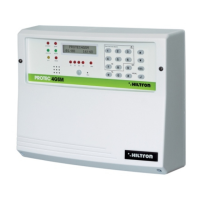
The central units PROTEC4GSM and PROTEC8GSM are endowed of a menu with a voice guidance to
be used both locally and from a remote controller through the GSM connection.
5.1 Access from the central panel
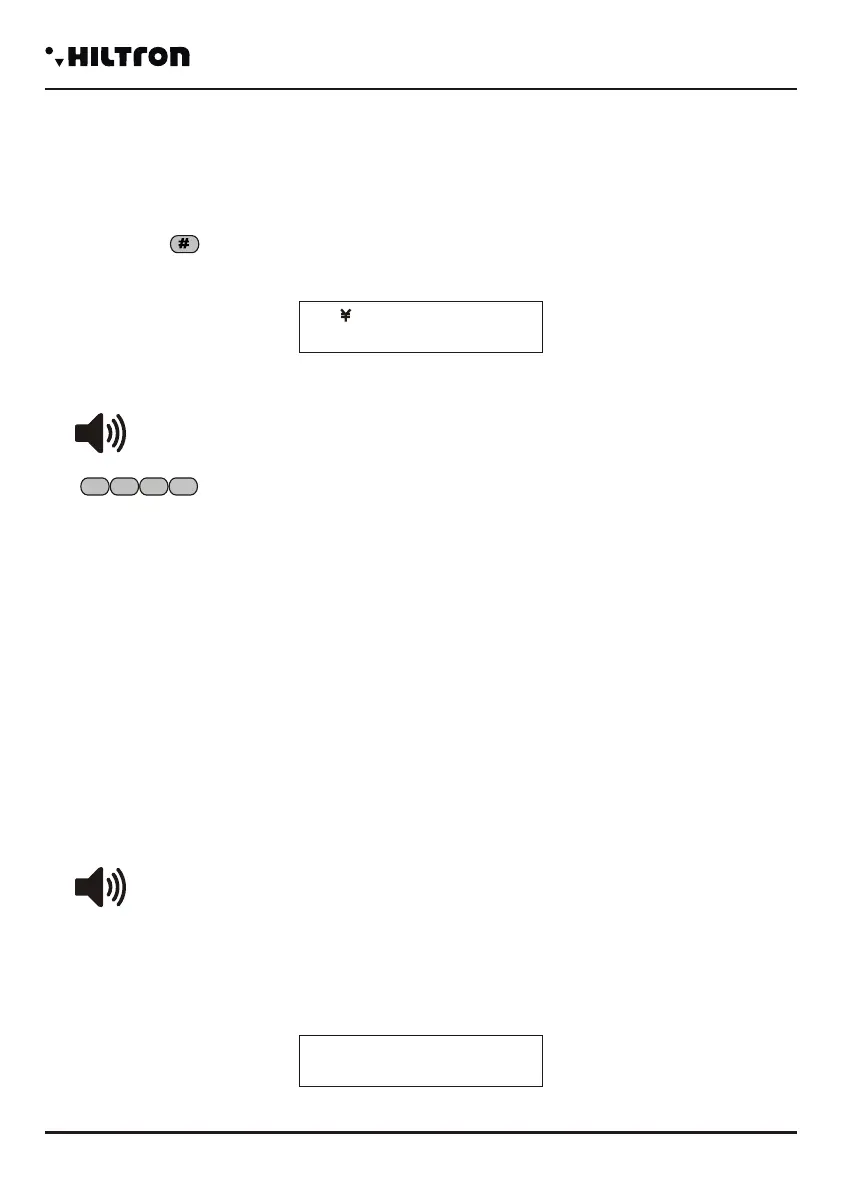
Press the button
Once the voice interface is activated, on the displays will appear the indication :
The voice guide repeats:
Insert the user code (1 2 3 4 )
After having dialled the USER CODE with the voice menu enabled, the central computer doesn't carry out
the voice calls of alarm, but waits for the disconnection of the voice menu.
Instead if an alarm starts before you dial the USER CODE, the central computer closes the voice menu
immediately and carries out the alarm calls.
If there is already a phone connection and on the display there is the signal REMOTE MANAGEMENT, it
is not possible to access to the voice menu from the panel of the central computer.
The central computer doesn't respond to phone calls if you activated the voice menu from the panel of the
central computer.
Voice Menu
25
Voda IT
< INSERT CODE >
1 2 3
4
5.2 Access from remote (through GSM communication)
The access from remote can happen both calling the number of the central coputer directly and during an
alarm cycle when the central computer clls a number from the phone book.
During an alarm cycle, when the call originates from the central, before asking the access code, the
central carries out the initial message registered from the user.
Then a voice will lead you to send the request:
<INSERT CODE>
Send from the telephone the USER CODE with DTMF signals:
On the display of the central will appear this indication:
< INSERT CODE >
30Y Connected
REMOTE CONNECITON
4.7 Partial Insertion A and Partial b
When the central computer is disconnected, select the commands menu:
and dial or or dial the USER CODE as follows .
The command is executed if there are not immediate open zones and not excluded, involved in the
insertion scheme, set up in the program phase.
During the time of output on the display will appear:
and at the end
Using the command :
You can command the insertion by using the scheme of partialization B.
In this case any immediate open zones and not excluded, involved into the scheme of partialization,
impede to enable the central computer.
When the central computer is enabled, any command to enable it, doesn't have any effect and the central
Remains enabled without modifying an eventual employed partialization.
8
Ins. Disconnected
8 Part.Initial A
9
31Y Voda IT
Output… P - A
31Y Voda IT
Ins Inserted P-A
31Y Voda IT
9 Part. Insert.B
4.8 Deactivation
When the central computer is connected, open the commands menu dialling the USER CODE and
select the buttons the command:
Press or
The central computer is disconnected, any alarm is mute and the waiting phone calls are cancelled.
0
Ins. Disconnected
0 Deactivation
8
1 2 3
4
1 2 3
4
security
PROTEC4GSM - PROTEC8GSM - Installation guide and use
security
Programming
4140


 To Next Page
 Loading...