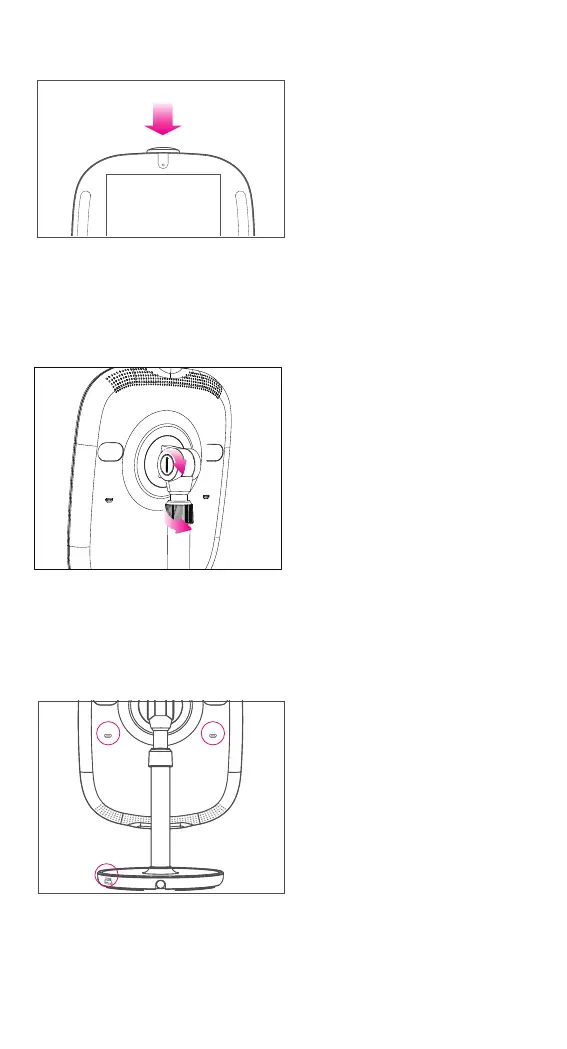
Slotted Screw –
Rotate the slotted screw clockwise
with a coin to fasten the hinge when
it gets loose.
Retaining Ring –
Rotate the retaining ring
counterclockwise to unlock the rod
and adjust the height of the panel,
and rotate it clockwise to lock again.
USB Port –
Connect with HiMirror Mini supported
peripheral devices.
Micro USB Port –
Connect with HiMirror Mini supported
peripheral devices.
4
Camera Cover Button –
Push to cover / uncover the camera.
Slotted Screw & Retaining Ring
Micro USB Port & USB Port
Camera Cover Button



 To Next Page