BEFORE YOU START
Children under the age of 13 are not permitted to create a HiMirror account.
Please ensure HiMirror Mini is placed on a flat and even surface.
You must have a WiFi network available and
have your HiMirror Mini installed within its range.
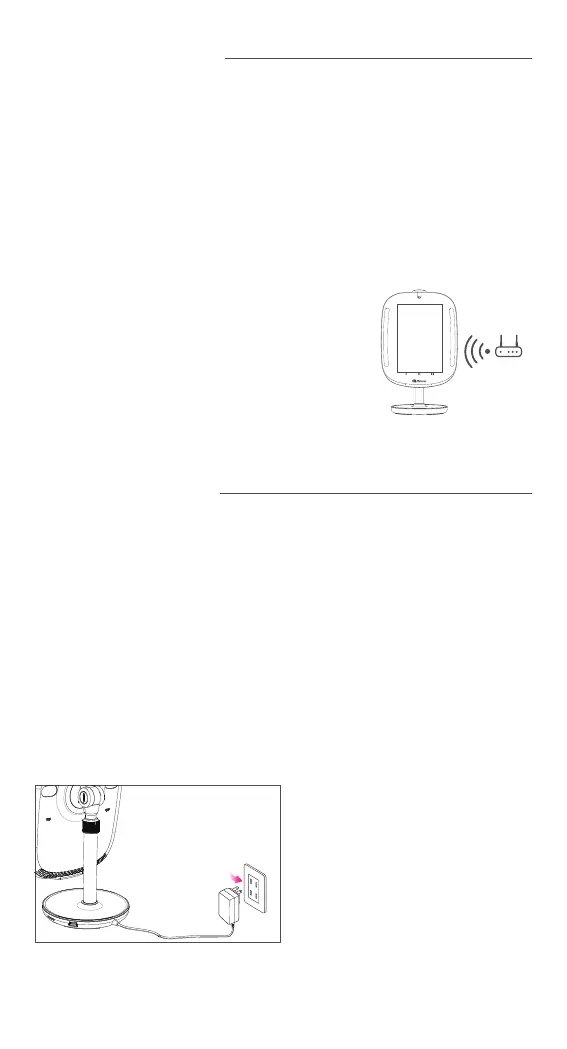
HiMirror Mini must be within range of your WiFi network
Note:
1.
2.
GETTING STARTED
1. Connect HiMirror Mini to a power outlet using the power adapter.*
2. Push and hold the power button for at least 3 sec. to turn on HiMirror Mini.
3. Push to open the camera cover.
4. Follow the on-screen instructions to complete setup.
*Note: HiMirror Mini must be plugged into a power outlet at all times.
3
Power Jack –
Connect HiMirror Mini to a power outlet
using the provided power adapter.
Power Jack



 To Next Page