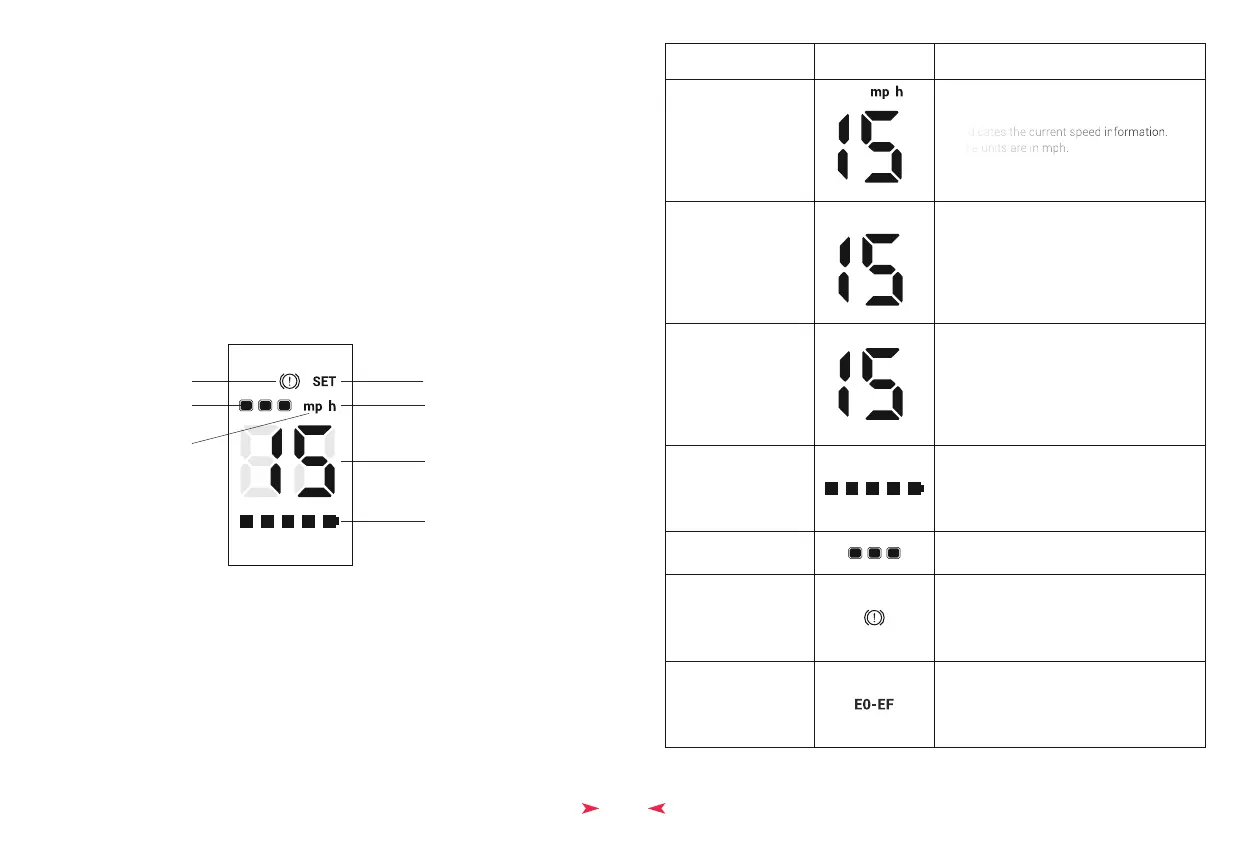
display item
Current Speed
Single Trip Distance
Throttle PWM Value
display Description
Current Battery Level
Indicates current battery level. Battery level
is divided into 5 sections for display. When
voltage is low, the last section flashes.
Shows the total distance ridden for the
current trip.
Indicates the current speed information.
The units are in mph.
the Throttle PWM value output will be shown
on display
7
Speed and
Mileage Unit
Per Hour
Speed/Single Trip
Mileage/Error Code
Battery
Mode
Brake Status Indicator
Parameter Setting Mode
◆ Display Screen
*Note: When the riding distance is displayed, the instrument will only show numbers;
units such as mp and h will not be displayed
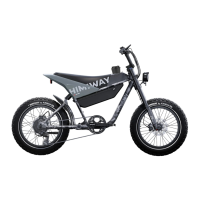
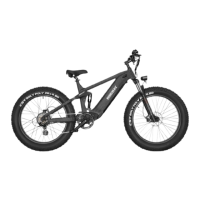
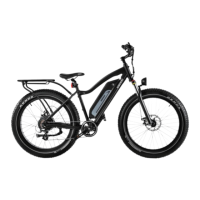
Himiway E-Bike Use and Care
The following table of contents provides general guidance on Himiway e-bike variable
power assist settings and their effects on both range and performance. This content will
apply broadly to most riders, but multiple factors will affect individual results including
rider fitness and weight, terrain, proper maintenance, etc. While Himiway hopes and
believes you will thoroughly enjoy your e-bike, no guarantees of universal performance
characteristics for all owners can be given.
Basic Display Settings
Mode
Mode 1 2 3
Brake Status Indicator
Indicates the status of the brake cut-off
switch. When braking, it is shown on the
display.
Error Code
When a fault is present, error codes from
E0 to EF will be displayed and will flash upon
the speed section.


 To Next Page