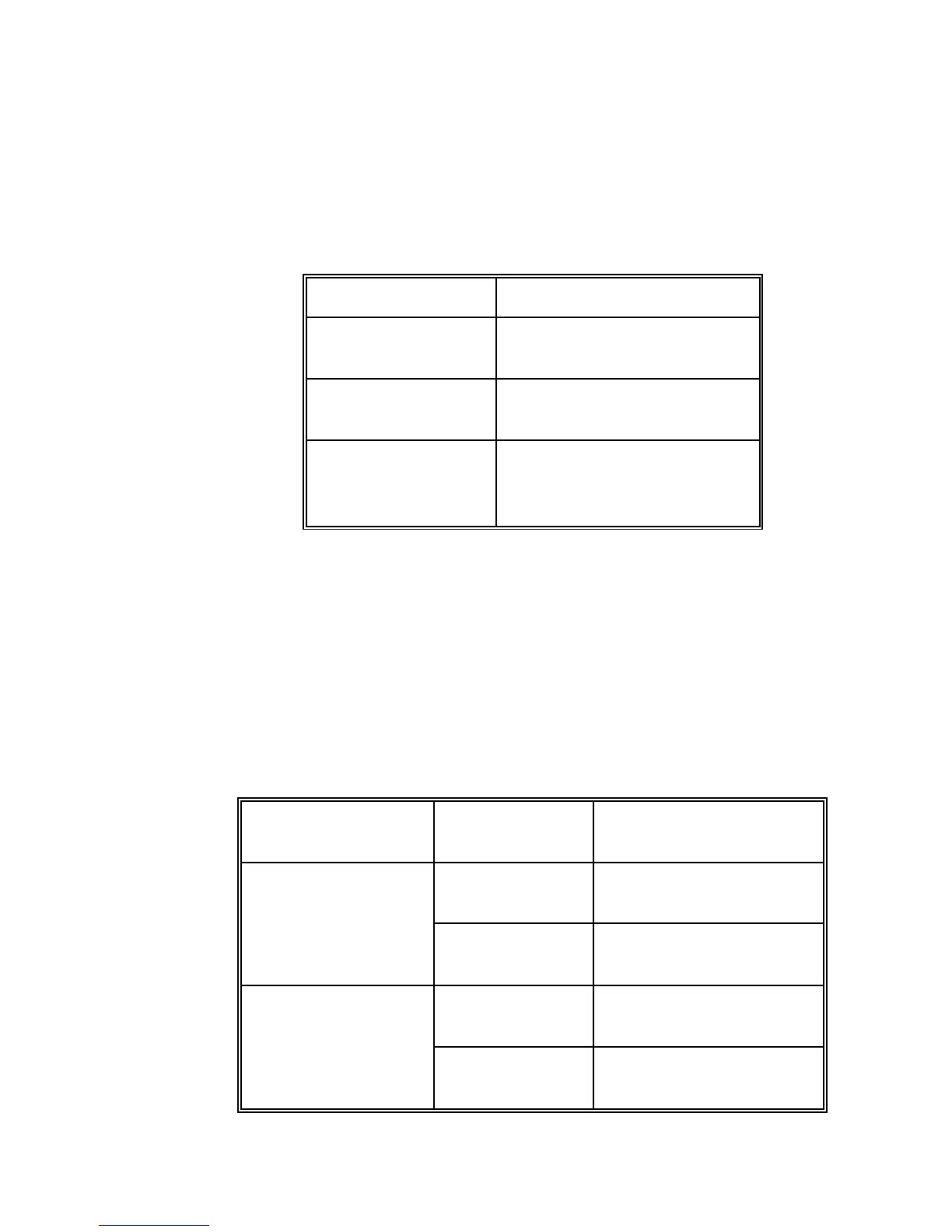
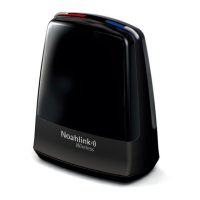
NOAHlink Users Manual
20
Switch on your NOAHlink by pressing the button at the
front of the unit until the middle light displays. A self-test
occurs every time you do this. The following table explains
the different LED (light-emitting diode) displays that may
occur during the self-test, depending on the power status of
the battery:
Continuous green light for
five seconds
Flashing yellow/orange light
for five seconds
Flashing red light for 30
seconds, then NOAHlink
powers off
Once the self-test has been completed, your NOAHlink will
display different LEDs depending on:
the power status
whether the unit is communicating with your PC
The following table outlines the different possibilities:
Quickly flashing green
light
Quickly flashing
yellow/orange light
Flashing green light
every three seconds
Flashing yellow/orange
light every three seconds


 To Next Page