EasyManua.ls Logo

Himsa Noahlink Wireless - User Manual

Himsa Noahlink Wireless
32 pages
Print Icon
To Next Page IconTo Next Page
Loading...
User Guide
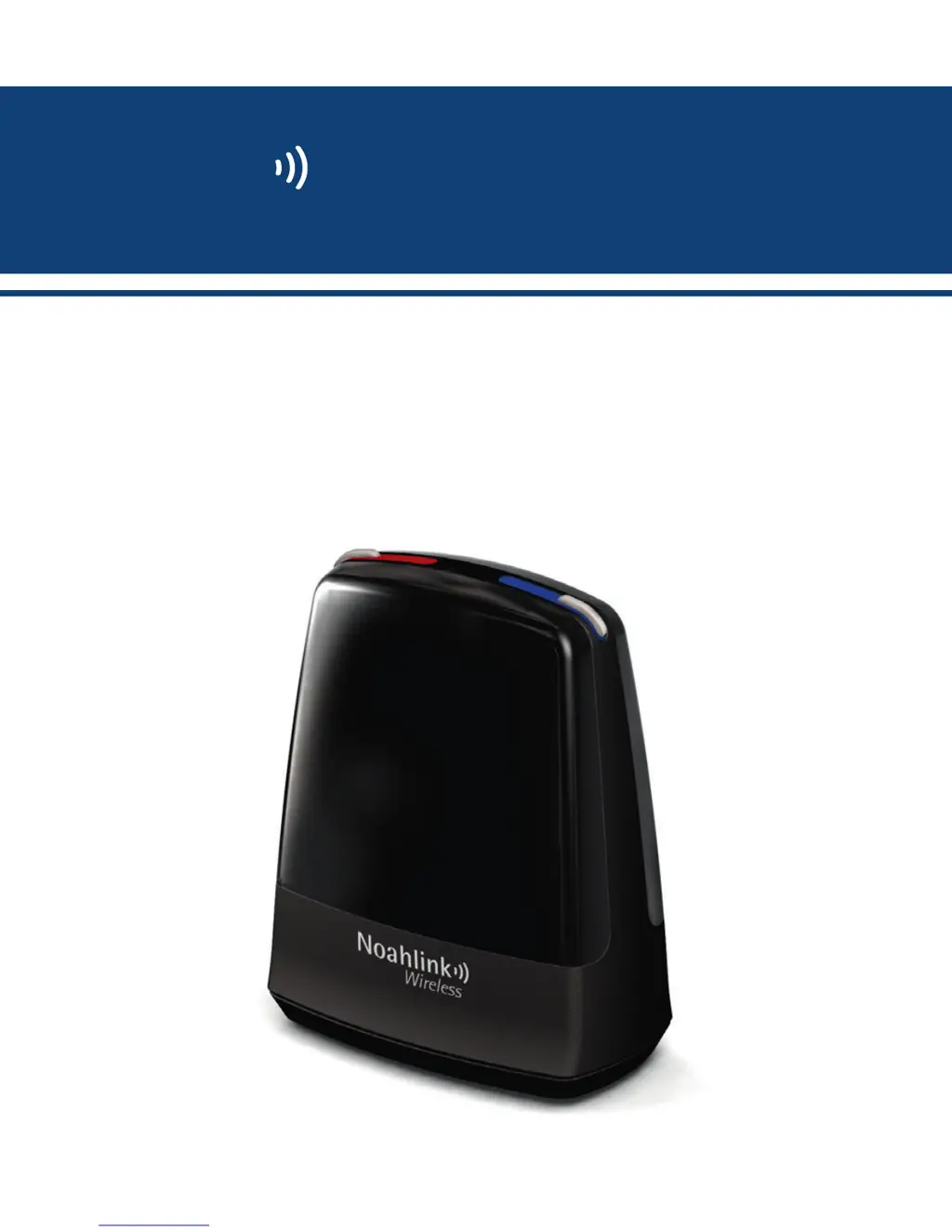
Noahlink Wireless Programming Interface
Noahlink
Wireless

Questions and Answers

  • J
    Jill LittleAug 3, 2025
    Why is my Himsa Conference System Noahlink Wireless not found?
    • M
      Michael RogersAug 3, 2025
      The Himsa Conference System Noahlink Wireless might not be found due to several reasons: it is not properly inserted into the PC's USB port; there are obstacles blocking the wireless signal; the device is too far from the hearing instruments; or the hearing instrument battery is low. Ensure the Noahlink Wireless is correctly inserted, showing a 2-3 second solid green light, and launch the fitting software. Remove any obstacles and move the device closer to the hearing instruments. Replace hearing instrument batteries with fresh, unexpired zinc-air batteries, removing the sticker and letting them breathe for 2 minutes before use.
  • C
    Cheryl WyattAug 11, 2025
    What to do if Himsa Conference System has no connection?
    • D
      devon36Aug 11, 2025
      If your Himsa Conference System shows no connection, it could be due to several reasons. The USB port in your PC may have no power, which requires PC service. Alternatively, the Noahlink Wireless might not be correctly attached to the PC’s USB port; in this case, insert the Noahlink Wireless, ensuring a 2-3 second solid green light appears, and then launch the fitting software. Obstacles between the Noahlink Wireless and the hearing instruments could be blocking the signal, so ensure a clear line of sight. The device might also be too far from the hearing instruments, requiring you to move it closer. Finally, low hearing instrument battery can cause this issue, so use fresh, unexpired zinc-air batteries, removing the sticker and letting them breathe for 2 minutes before inserting.
  • C
    Cody GlassAug 22, 2025
    How to fix unstable connection on Himsa Conference System?
    • R
      robertlewisAug 22, 2025
      An unstable or lost connection in your Himsa Conference System may be due to obstacles blocking the wireless signal; place the Noahlink Wireless in line-of-sight of the hearing instruments. It could also be that the Noahlink Wireless is too far from the hearing instruments; move it closer. Interference from other wireless devices such as a 2.4 GHz cordless phone or WLAN access point could also be the cause; minimize these or move them away, and use a phone that is not 2.4 GHz. Finally, the Noahlink Wireless might be sharing a power source with power-consuming USB hard disks; remove the USB hard disk or use a powered USB hub to ensure adequate power.

Summary

Product Description

Getting Started: Installation

Installation Tips

Optimal Placement and Environment

Tips on clear line-of-sight, range, avoiding interference, and cable length for best operation.

Fitting Procedure Tips

Battery Preparation

Instructions on letting the zinc-air battery breathe before inserting for optimal performance.

Connection and Mode Management

Optimizing Wireless Fitting Environment

LED Indicators

Important Information

General Precautions

Technical Specifications

Troubleshooting Guide

Noahlink Wireless Not Found

Resolving issues where the device is not detected by the PC.

Troubleshooting: Connection Issues

Himsa Noahlink Wireless Specifications

General IconGeneral
BrandHimsa
ModelNoahlink Wireless
CategoryRecording Equipment
LanguageEnglish