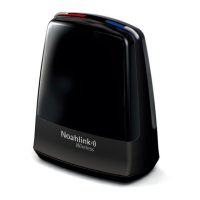
NOAHlink Users Manual
23
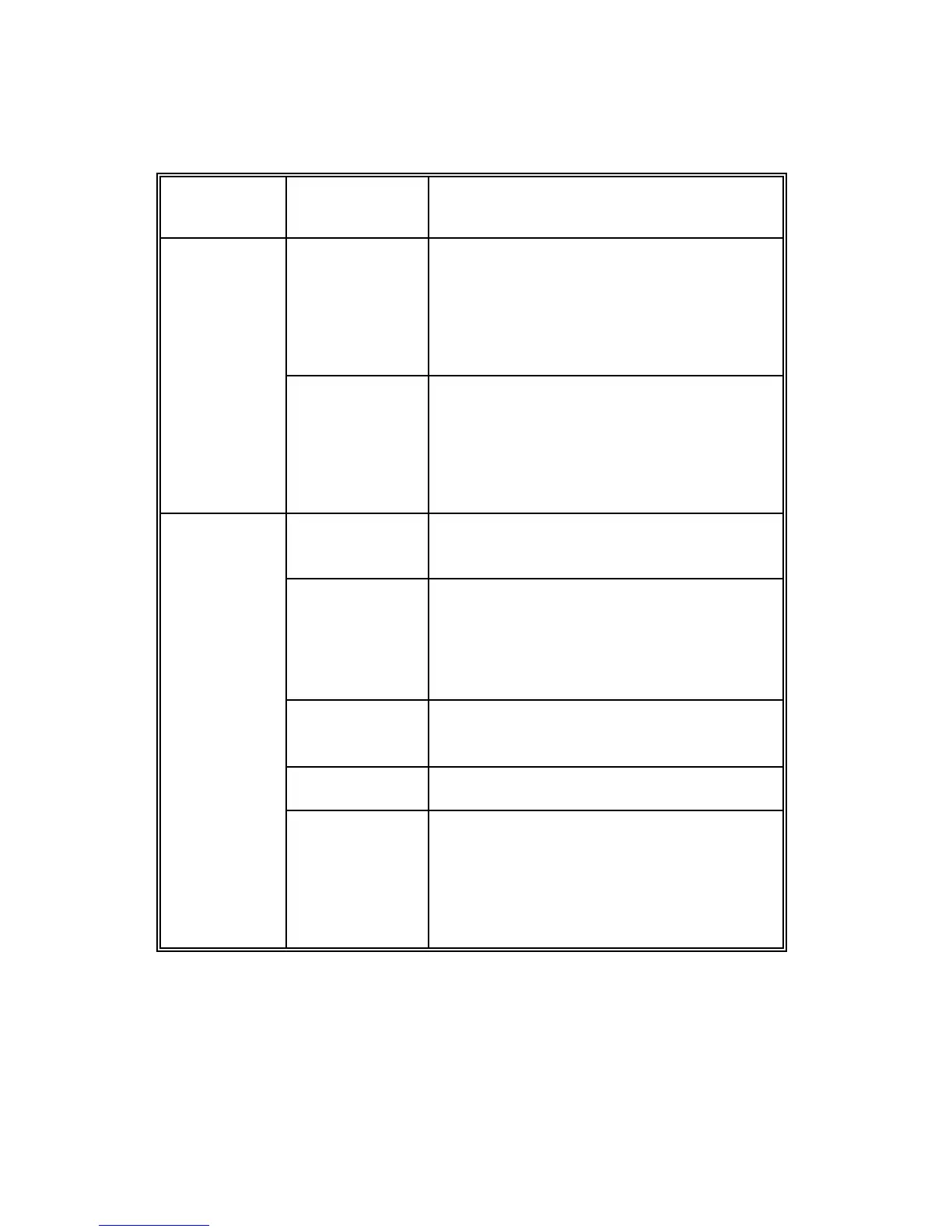
The following table lists the tabs within the NOAHlink Properties
window and the actions they allow you to perform:
NOTE: Your NOAHlink must be connected before the Diagnostic,
Performance and parts of the Settings tabs can be used.
The Advanced tabs can be accessed from the Settings tab.
It is necessary for you to configure the General tabs, but
you need only deal with the Advanced tabs if you wish to
address more specialized issues.
Connect to a different NOAHlink
Disconnect your NOAHlink
Search for all NOAHlinks
Rename your NOAHlink
Set the battery type
Set a low battery warning
Set your preferred language
Access the advanced tabs
Display errors in NOAHlink and
Bluetooth self-tests
Set user preference
Change the Bluetooth driver
Change the COM port settings
Test the transfer rate of data from
your PC to your NOAHlink
Change the location of the log file
View entries in the log
Clear entries in the log
Set the level of information in the log


 To Next Page