EasyManua.ls Logo

HIPOTRONICS 800PL Series - User Manual

HIPOTRONICS 800PL Series
38 pages
Print Icon
To Next Page IconTo Next Page
Loading...
Operating Instructions
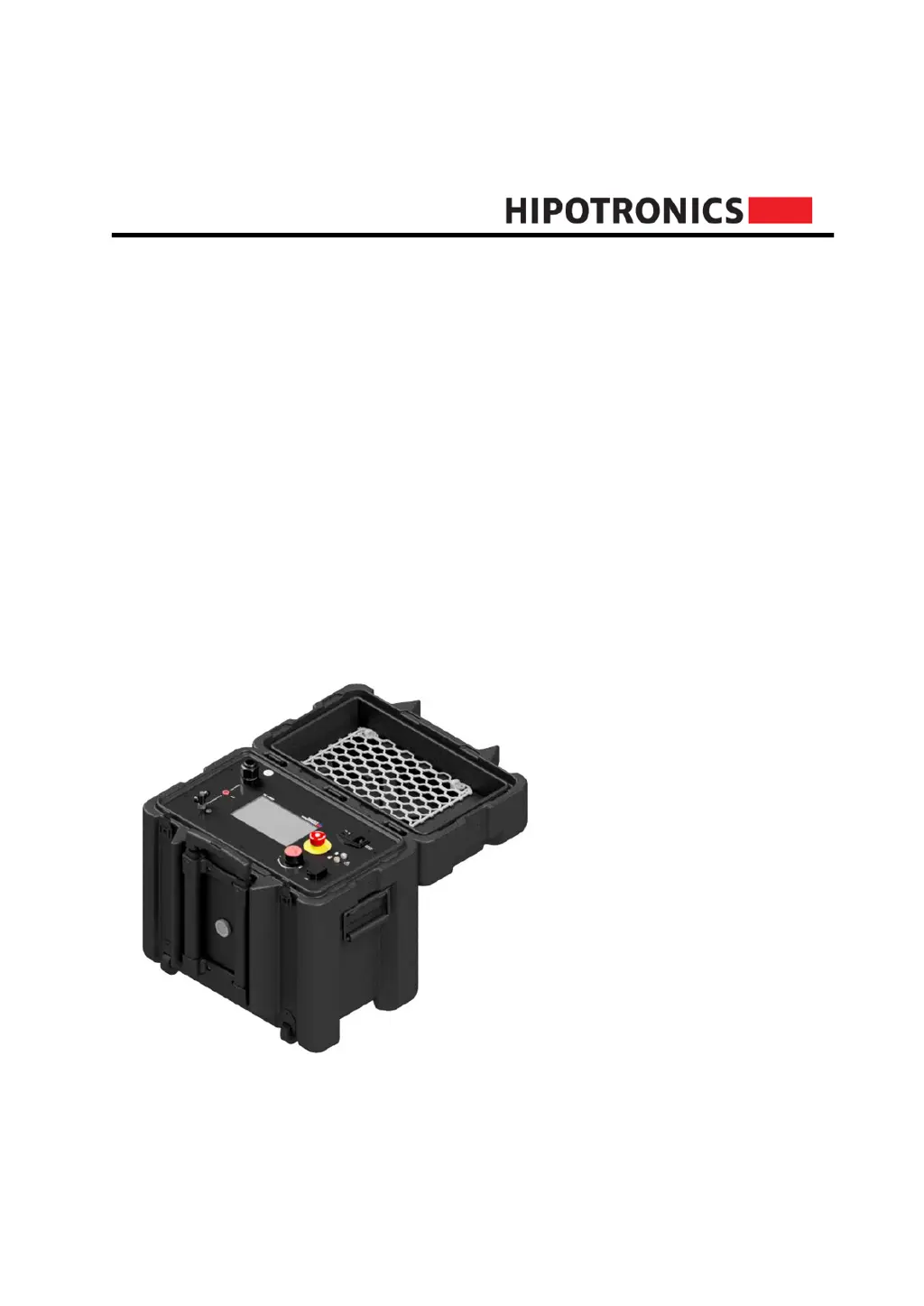
840PL-HD
800PL Series
DC HIPOT Testers
Version 1.3

Questions and Answers

  • A
    Alexandria AdamsAug 7, 2025
    What to do if my HIPOTRONICS 800PL does not power on?
    • B
      Brandon AustinAug 7, 2025
      If your HIPOTRONICS Test Equipment unit doesn't power on, first ensure that the input power is active and the power cord is correctly connected both to the input source and the 800PL-HD. Check that the power switch is in the ON position. Also, inspect the fuse (250VAC, 10A). If these steps don't resolve the issue, consult the factory.
  • L
    lriveraAug 16, 2025
    What to do if the touchscreen is unresponsive on HIPOTRONICS 800PL?
    • J
      Jennifer BrockAug 16, 2025
      If the touchscreen on your HIPOTRONICS Test Equipment is unresponsive, it might be disabled in the 'Settings'. Use the rotary knob to navigate to 'Settings' and enable the touch toggle. If the screen is damaged, consult the factory.
  • P
    pearsonchristineAug 27, 2025
    How to adjust screen brightness on HIPOTRONICS 800PL Test Equipment?
    • M
      mullinsmichealAug 27, 2025
      If the screen on your HIPOTRONICS Test Equipment is too dim, navigate to 'Settings', then select 'Brightness'. Adjust the brightness as desired using the rotary knob or touch control.

Summary

1 Introduction

1.0 Receiving Instructions

Procedures for noting and reporting transport damage upon receipt of the instrument.

1.1 General

Overview of the 840PL-HD's features, design, and capabilities.

1.2 Scope of Supply

Lists the items included in the standard package with the instrument.

1.3 Technical Data

Provides detailed specifications, including general and model-specific parameters like output voltage, current, dimensions, and duty cycle.

2 Safety

2.0 General Safety

Emphasizes the importance of safety when working with high voltage electrical equipment.

2.1 Essential Safety Recommendations

Outlines critical safety practices before and during operation.

2.2 Safety Summary

Summarizes key safety points and the importance of constant vigilance.

3 Theory

3.0 Introduction to Theory

Introduces the 840PL-HD's features and design philosophy.

3.1 Applications

Details the specific applications and standards the instrument is used for.

4 840 PL-HD Front Panel

4.0 Interface Points

Identifies and labels all physical connection and control points on the front panel.

4.1 Front Panel Symbols

Explains the meaning of various symbols used on the front panel.

5 Connection and Setup

5.0 Ground Connections

Instructions for establishing the primary earth ground connection for the instrument.

5.1 Testing Connections

Details on how to connect the instrument for various testing configurations, including GST and UST.

5.2 Safe Test Completion

Outlines essential safety steps for safely powering down the instrument after testing.

6 Software User Interface

6.0 Main Menu

Describes the primary interface screen upon unit startup and available options.

6.1 Test Modes

Explains the operation interface for manual and automatic test modes.

6.2 Reports and Test Reports

Guides on accessing, viewing, and managing saved test reports.

6.3 Settings

Explains various configuration options available in the instrument's settings menu.

6.4 HIPODirect

Describes the HIPODirect app for wireless connectivity and firmware updates.

7 Troubleshooting

8 Miscellaneous

8.0 Care and Maintenance

Provides instructions on cleaning the instrument and its calibration.

8.1 Instrument Storage

Recommendations for storing the instrument properly to protect it from environmental factors.

8.2 Packing and Transport

Guidelines for packing and transporting the instrument to prevent damage.

8.3 Recycling

Information on the proper recycling or disposal of the instrument at the end of its life.

9 Customer Support

9.0 Declaration of Conformity

States the product's compliance with relevant EMC and low voltage directives.

9.1 Warranty

Outlines the terms and conditions of the product warranty and claim procedure.

HIPOTRONICS 800PL Series Specifications

General IconGeneral
BrandHIPOTRONICS
Model800PL Series
CategoryTest Equipment
LanguageEnglish

Related product manuals