EasyManua.ls Logo

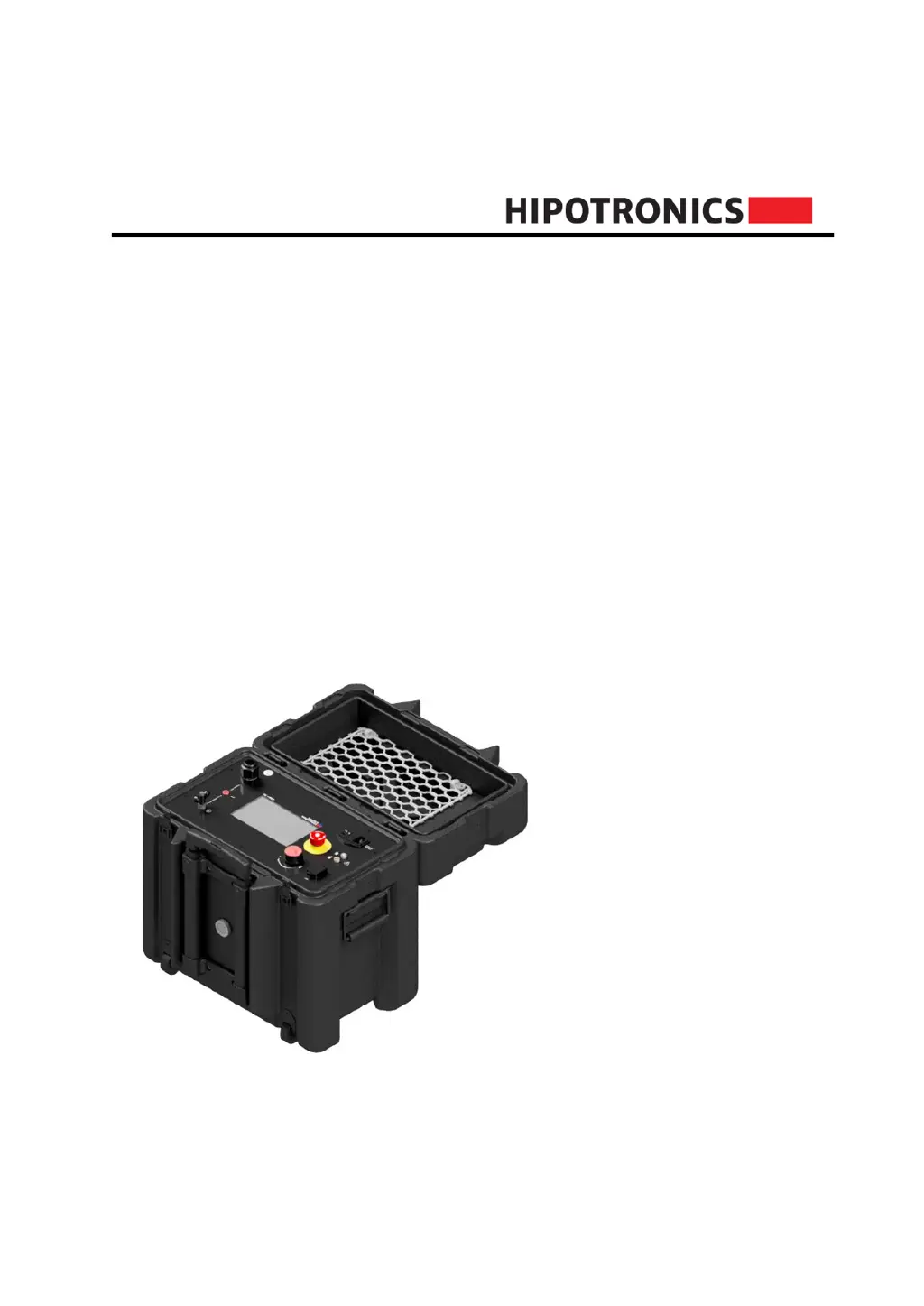
HIPOTRONICS 840PL-HD - User Manual

Default Icon
38 pages
Print Icon
To Next Page IconTo Next Page
Loading...
Operating Instructions
840PL-HD
800PL Series
DC HIPOT Testers
Version 1.3

Questions and Answers

  • T
    tthompsonAug 10, 2025
    What to do if my HIPOTRONICS 840PL-HD does not power on?
    • K
      Kristin WatkinsAug 10, 2025
      If your HIPOTRONICS Test Equipment unit doesn't power on, first ensure that the input power is active and the power cord is correctly connected both to the input source and the 800PL-HD. Check that the power switch is in the ON position. Also, inspect the fuse (250VAC, 10A). If these steps don't resolve the issue, consult the factory.
  • K
    kingtraceyAug 30, 2025
    How to adjust screen brightness on HIPOTRONICS 840PL-HD?
    • D
      David LynchAug 30, 2025
      If the screen on your HIPOTRONICS Test Equipment is too dim, navigate to 'Settings', then select 'Brightness'. Adjust the brightness as desired using the rotary knob or touch control.
  • B
    Brittany HuntSep 10, 2025
    What to do if the touchscreen is unresponsive on HIPOTRONICS 840PL-HD?
    • M
      Matthew GentrySep 12, 2025
      If the touchscreen on your HIPOTRONICS Test Equipment is unresponsive, it might be disabled in the 'Settings'. Use the rotary knob to navigate to 'Settings' and enable the touch toggle. If the screen is damaged, consult the factory.

Summary

Safety

General Safety Considerations

General safety considerations and user responsibilities when operating high voltage equipment.

Essential Safety Recommendations

Crucial safety practices required before and during high voltage testing operations.

Safety Summary

Summary of key safety points and inherent hazards associated with high voltage testing.

840 PL-HD Front Panel

Interface Points Overview

Identifies and lists all front panel controls, connectors, and indicators.

Connection and Setup

Internal Switch Between Ground and Return (GST)

Explains the GST mode for current measurement with a grounded specimen.

Software User Interface

Troubleshooting

Power and Initialization Issues

Troubleshooting steps for power-on, initialization, and startup-related issues.

High Voltage Output Problems

Diagnosing and resolving issues related to the absence of high voltage output.

Safety Feature Related Issues

Troubleshooting E-STOP, interlock, and other safety feature related problems.

HIPOTRONICS 840PL-HD Specifications

General IconGeneral
BrandHIPOTRONICS
Model840PL-HD
CategoryTest Equipment
LanguageEnglish

Related product manuals