6.2 Reports Test Reports
(d)
Accessing Test Reports
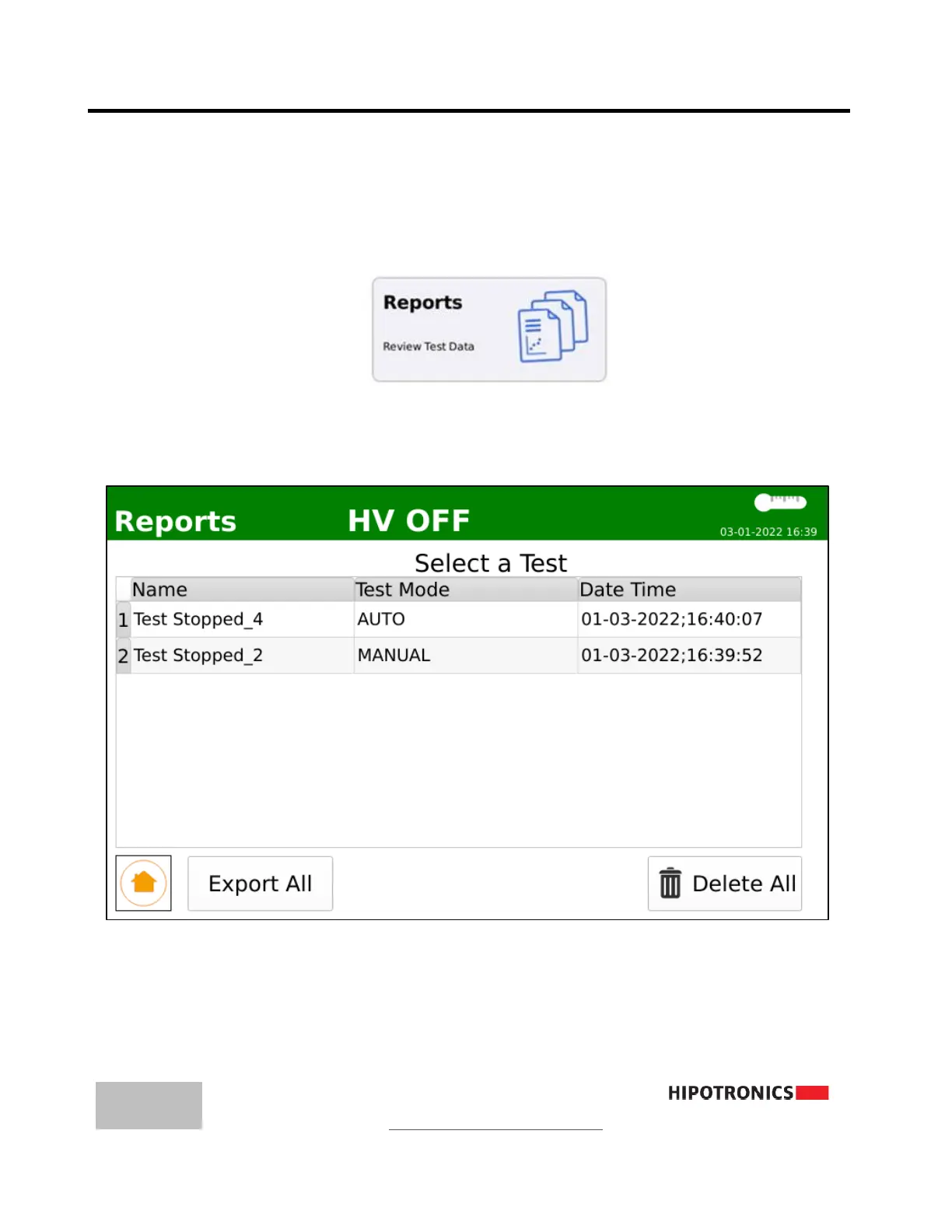
Test reports can be accessed from the main menu by touching the ‘Reports’
button from the main menu
(e)
Reports Menu
Test reports are organized by time, with the most recent at the top. From this
menu, the user can select a test report, scroll down, or return to the main menu.
Options may be selected by touch or the rotary knob.



 To Next Page