EasyManua.ls Logo

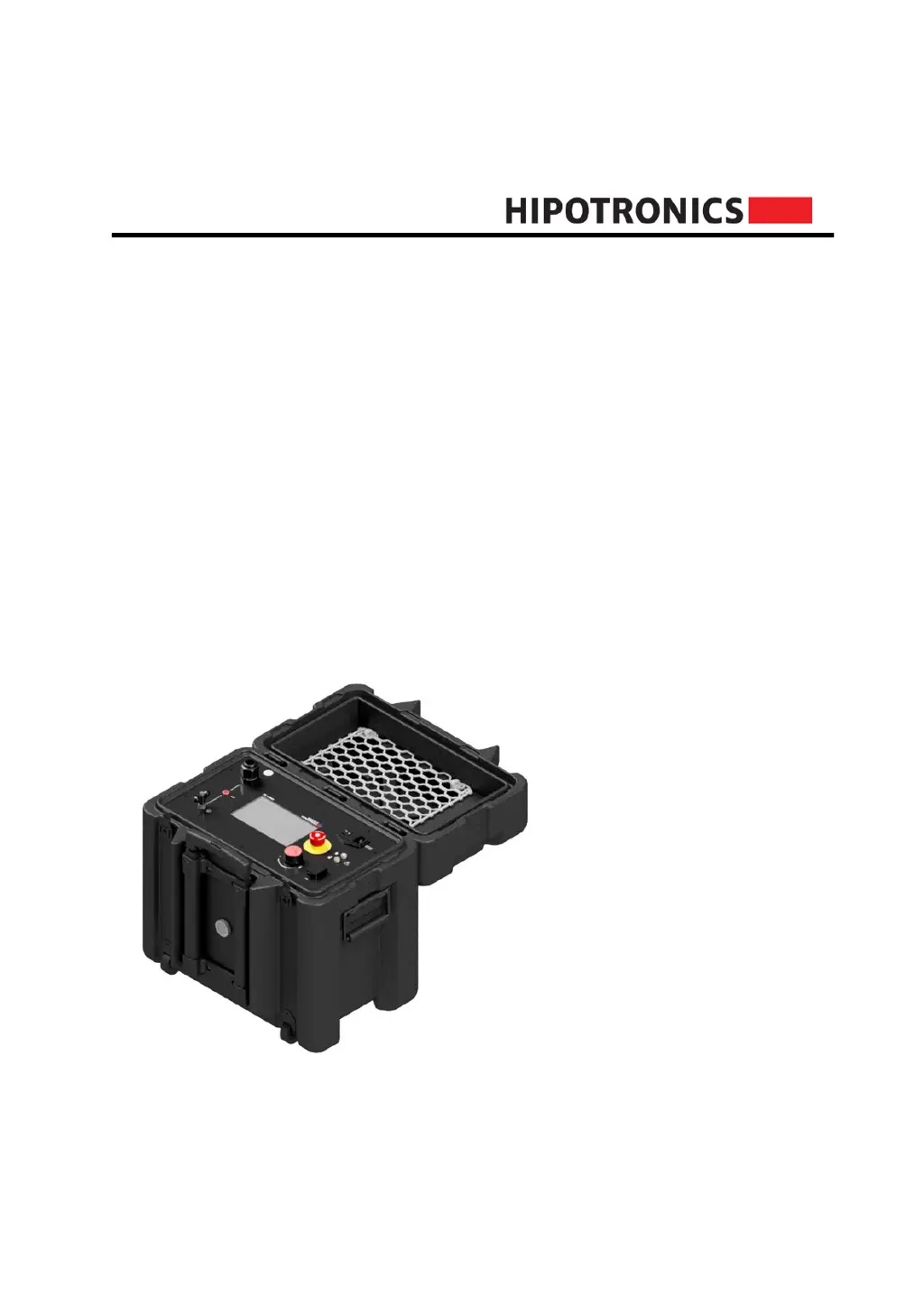
HIPOTRONICS 880PL-HD - User Manual

Default Icon
37 pages
Print Icon
To Next Page IconTo Next Page
Loading...
Operating Instructions
880PL-HD
800PL Series
DC HIPOT Testers
Version 1.4

Questions and Answers

  • B
    Barbara ThomasAug 10, 2025
    What to do if my HIPOTRONICS 880PL-HD Test Equipment does not power on?
    • L
      Laura AndersonAug 10, 2025
      If your HIPOTRONICS Test Equipment unit doesn't power on, first ensure that the input power is active and the power cord is correctly connected both to the input source and the 800PL-HD. Check that the power switch is in the ON position. Also, inspect the fuse (250VAC, 10A). If these steps don't resolve the issue, consult the factory.
  • M
    Mr. Carlos HerreraAug 20, 2025
    What to do if the touchscreen is unresponsive on HIPOTRONICS 880PL-HD Test Equipment?
    • E
      Emily DiazAug 20, 2025
      If the touchscreen on your HIPOTRONICS Test Equipment is unresponsive, it might be disabled in the 'Settings'. Use the rotary knob to navigate to 'Settings' and enable the touch toggle. If the screen is damaged, consult the factory.
  • M
    morgandwayneAug 30, 2025
    How to adjust screen brightness on HIPOTRONICS 880PL-HD Test Equipment?
    • S
      Stephen HernandezAug 30, 2025
      If the screen on your HIPOTRONICS Test Equipment is too dim, navigate to 'Settings', then select 'Brightness'. Adjust the brightness as desired using the rotary knob or touch control.

Summary

Introduction

Technical Data

Details general and model-specific specifications for the 880PL-HD tester.

Safety

General Safety

Emphasizes the critical importance of safety when operating high voltage equipment.

Essential Safety Recommendations

Key precautions for connecting, operating, and handling the instrument safely.

Safety Summary

Reinforces the need for constant vigilance and awareness of hazards during high voltage testing.

880 PL-HD Front Panel

Connection and Setup

Ground Connections

Instructions on how to properly connect the instrument's ground stud to an earth-ground point.

Testing Connections

Details the various internal switch configurations for testing.

Special Safety Instructions

Crucial safety procedures for safely turning off the instrument after testing.

Software User Interface

Test Modes Operation

Explains the operation and interface for Manual and Automatic testing modes.

Troubleshooting

Customer Support

HIPOTRONICS 880PL-HD Specifications

General IconGeneral
BrandHIPOTRONICS
Model880PL-HD
CategoryTest Equipment
LanguageEnglish

Related product manuals