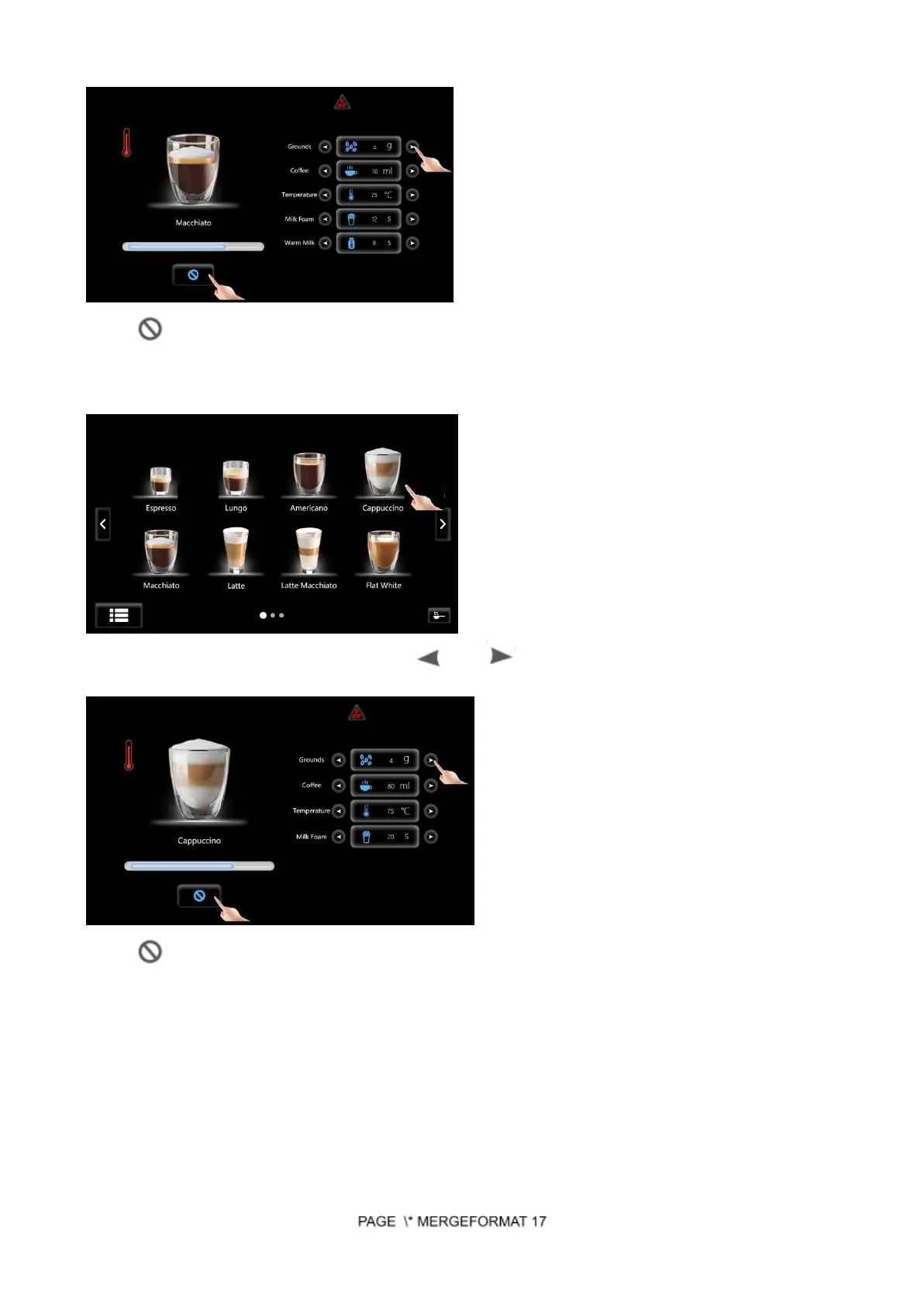
Touch to stop making coffee immediately during the producing process.
Making Cappuccino
Step 1: Choose Cappuccino to start making drink.
Step 2: During this process, you can touch “ ” or “ ” to adjust the values temporarily according
to your demands. (Make sure “Process Control” function in “Machine Setting” is on).
Touch to stop making coffee immediately during the producing process.
Making Macchiato
Step 1: Choose Macchiato to start making drink.


 To Next Page