9
Making Connections
USB
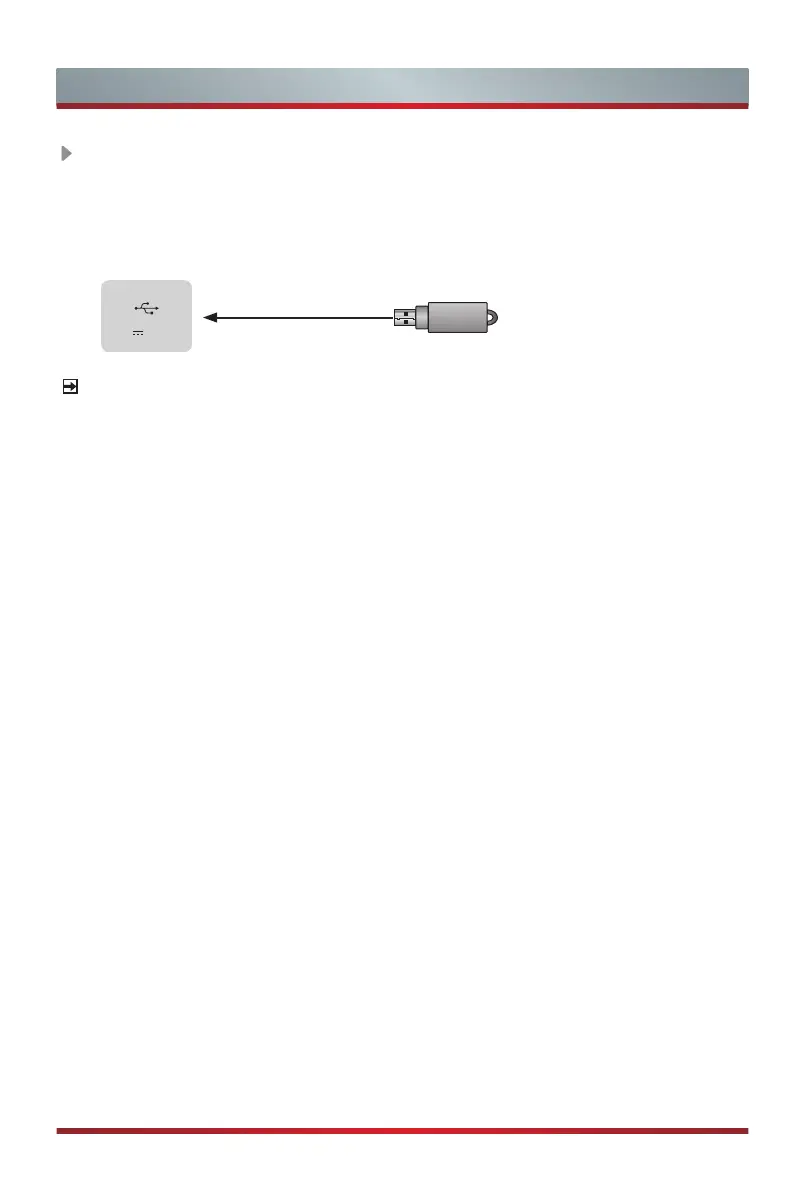
Connect the USB1.1
and USB2.0 devices such as hard drives, USB sticks and
digital cameras for browsing photos, listening music and watching
movies.
TV JACK
DC 5V 0.5A(MAX)
USB
NOTES
•
When connecting a hard disk or a USB hub, always connect the mains adapter of
the connected device to the power supply. If a USB 1.1 or USB 2.0 device requires
more than 500mA or 5V, the USB device may not be supported. Max supported
current for USB 3.0 device is 1A
(only for some models). Exceeding the max
supported current may result in damage or data loss.
•
Certain digital cameras may not be compatible with the TV.



 To Next Page