12
Press the Power button on the remote to turn on the TV. A
startup screen appears that displays the HisenseRoku TV logo.
Choose Set up for home use to access all TV features and
maximize Eco Save.
NOTE: Only retailers that need to set up the TV for display should
select Set up for store use.
Turn on the TV
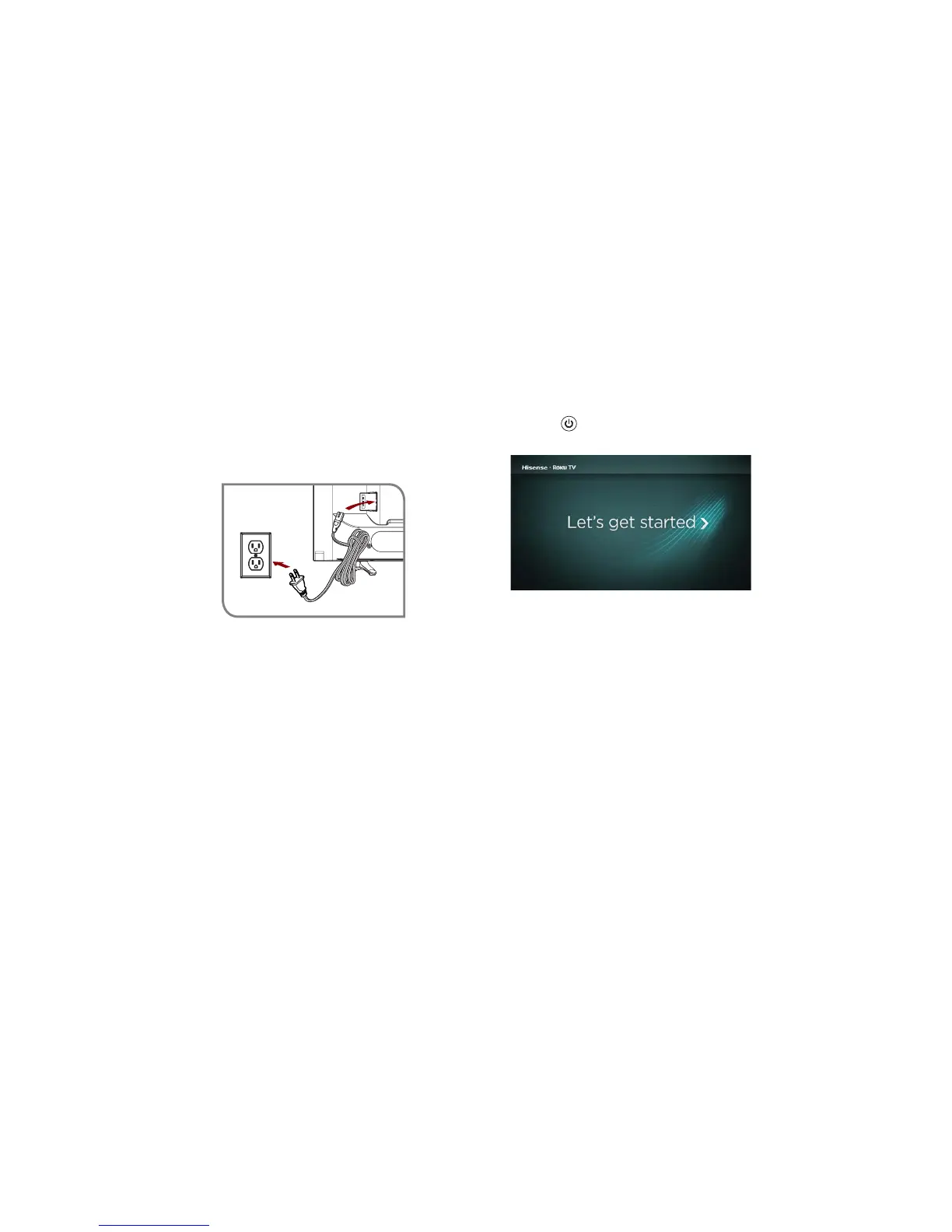
Connect the power cord to the back of your TV and plug it into a
power outlet.
Wall Outlet
Power
Cord



 To Next Page