9
In each of time menu, you can:
Press the [
/ ] button to select an item.
Press the [ OK / > ] button to enter the sub-menu or to set on or off.
After finishing your adjustment, press [ Menu ] button to save and return back to the previous menu.
2.5
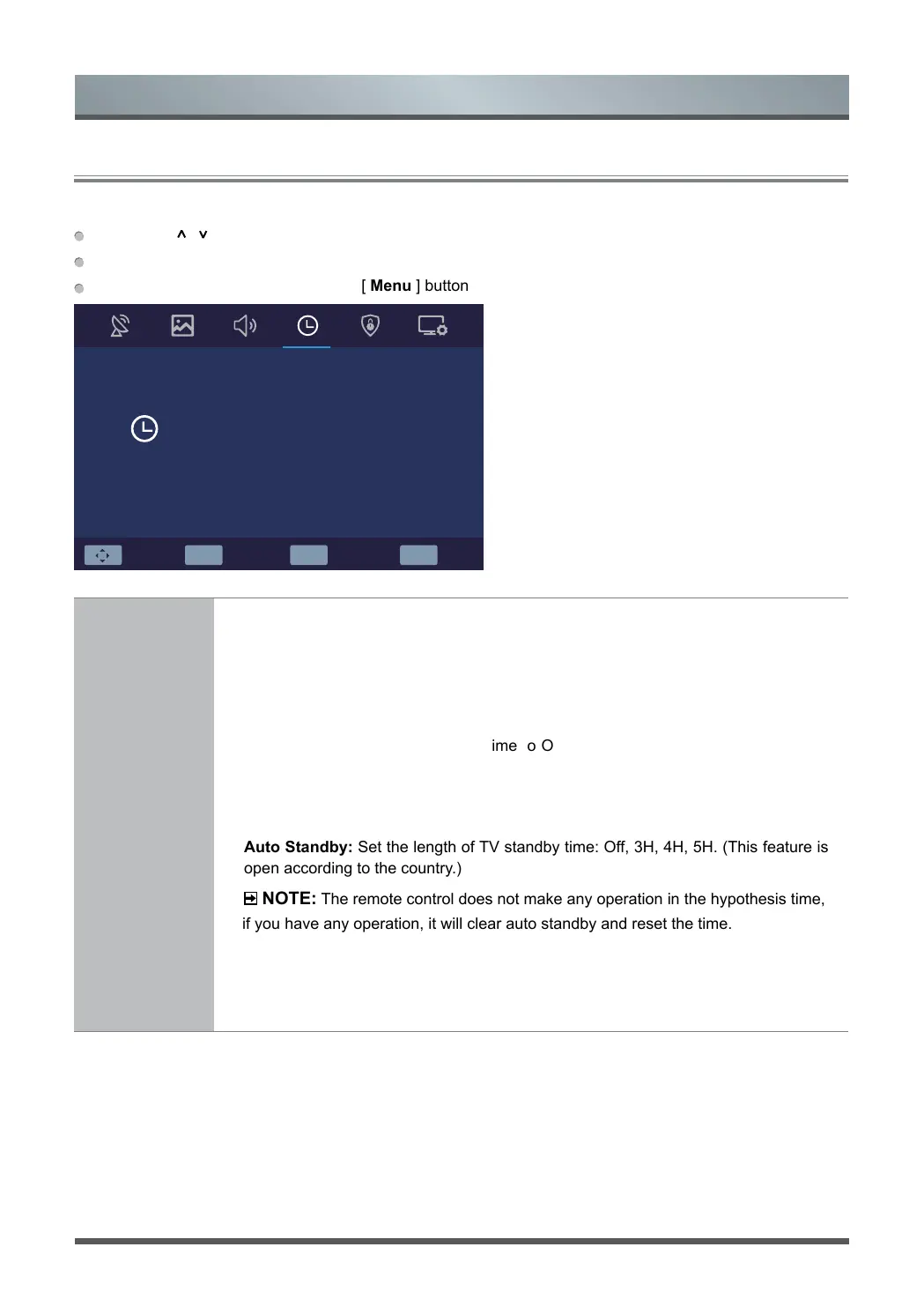
Using the Time Menu
Menu
OK Select EXIT ExitMENU ReturnMove
Time
On Time Off
03.Jan.2019 02:03
Off
4H
GMT+1
Always
Sleep Timer
Auto Standby
Time Zone
OSD Timer
Clock
Time Settings
Adjust the time settings to suit your preference.
•
Clock:
Set the current time based on your location, set the time to display in 24-
hour format. (You can not set times by using manual setting when the TV be
connected DTV signal. And the time format will vary by country.)
• On Time : Enable the Power On Time to Off, Once or Every day, Mon to Fri, Mon
to Sat, Sat to Sun, Sunday.
•
Sleep Timer:
Set TV automatically turn off within a specified time
:
Off, 15Min...
120Min, 240Min.
• Auto Standby: Set the length of TV standby time: Off, 3H, 4H, 5H. (This feature is
open according to the country.)
NOTE:
The remote control does not make any operation in the hypothesis time,
if you have any operation, it will clear auto standby and reset the time.
• Time Zone: Select your location time zone.
• OSD Timer: Set the length of menu diaplay time: 5S, 15S, 30S, Always.



 To Next Page