- 14 -
Note: The factory menu date varies according to different sources. Incase changing the factory
data by error, you can choose to “Clean Protected”, by which you can resume the default value.
To clear the EEPROM:
a. Select the item “Clean All”.
b. Press VOL+ button to clear the EEPROM data.
c. Close the OSD menu after 5 seconds.
d. Restart the TV.
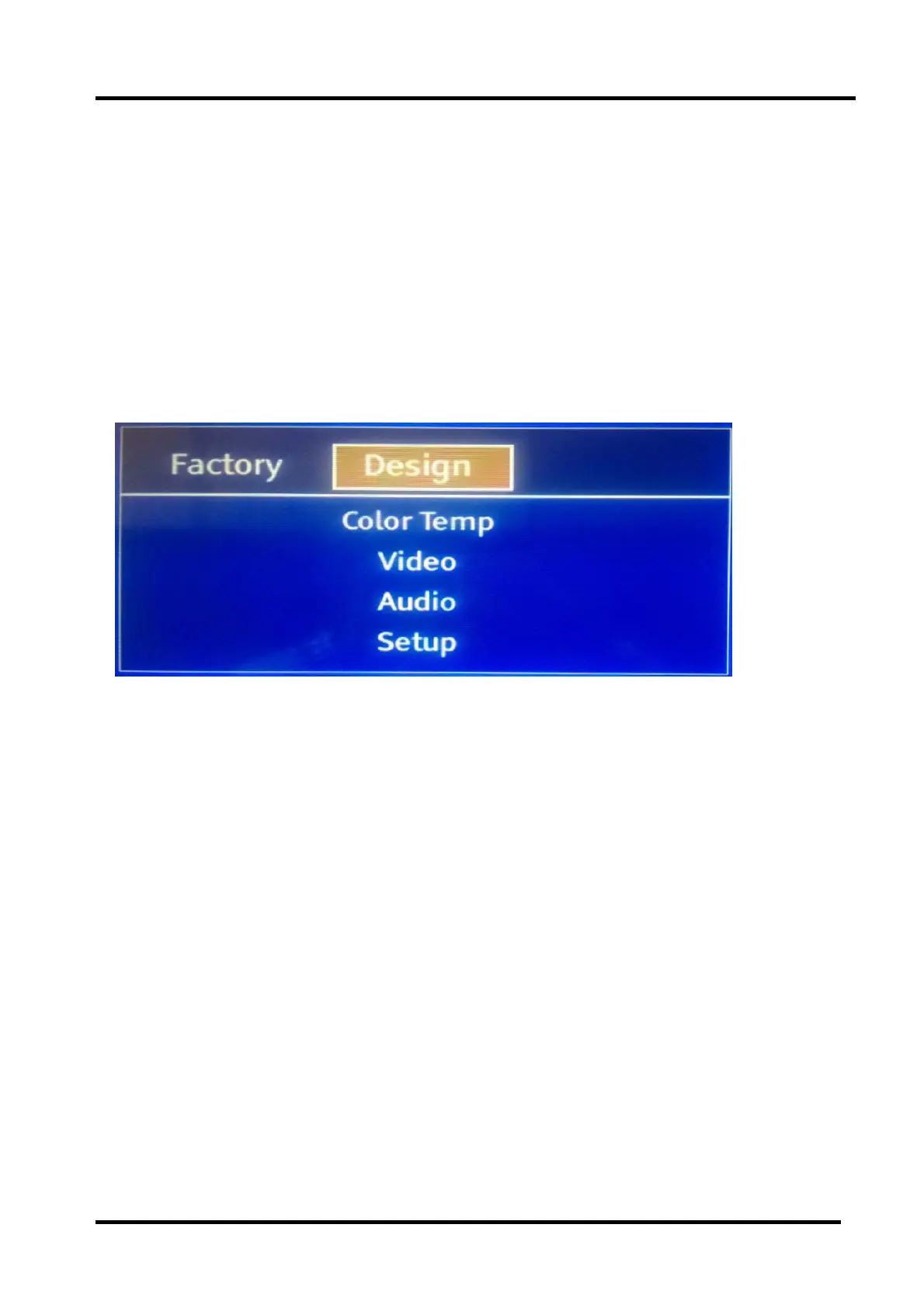
3.3 Designer Menu
Note:
The above “Factory/Service OSD Menu”is reference for chassis MTK5651 , please refer to
the actual units to determine the appearances for different TV.
4. Software Upgrading
Before upgrading, read the following.
First: Upgrade the software.
Second: To clear the EEPROM .
A Select the item “Clear Unprotected”.
B Press VOL+ button to clear the EEPROM data.
C Close the OSD menu after 5 seconds.
D Restart the TV.
Last: After the operation above all, necessarily, Re-search the channels for the users



 To Next Page