Security and Privacy
Fingerprint unlock
Fingerprint unlock helps you unlock your phone faster and can
improve security.
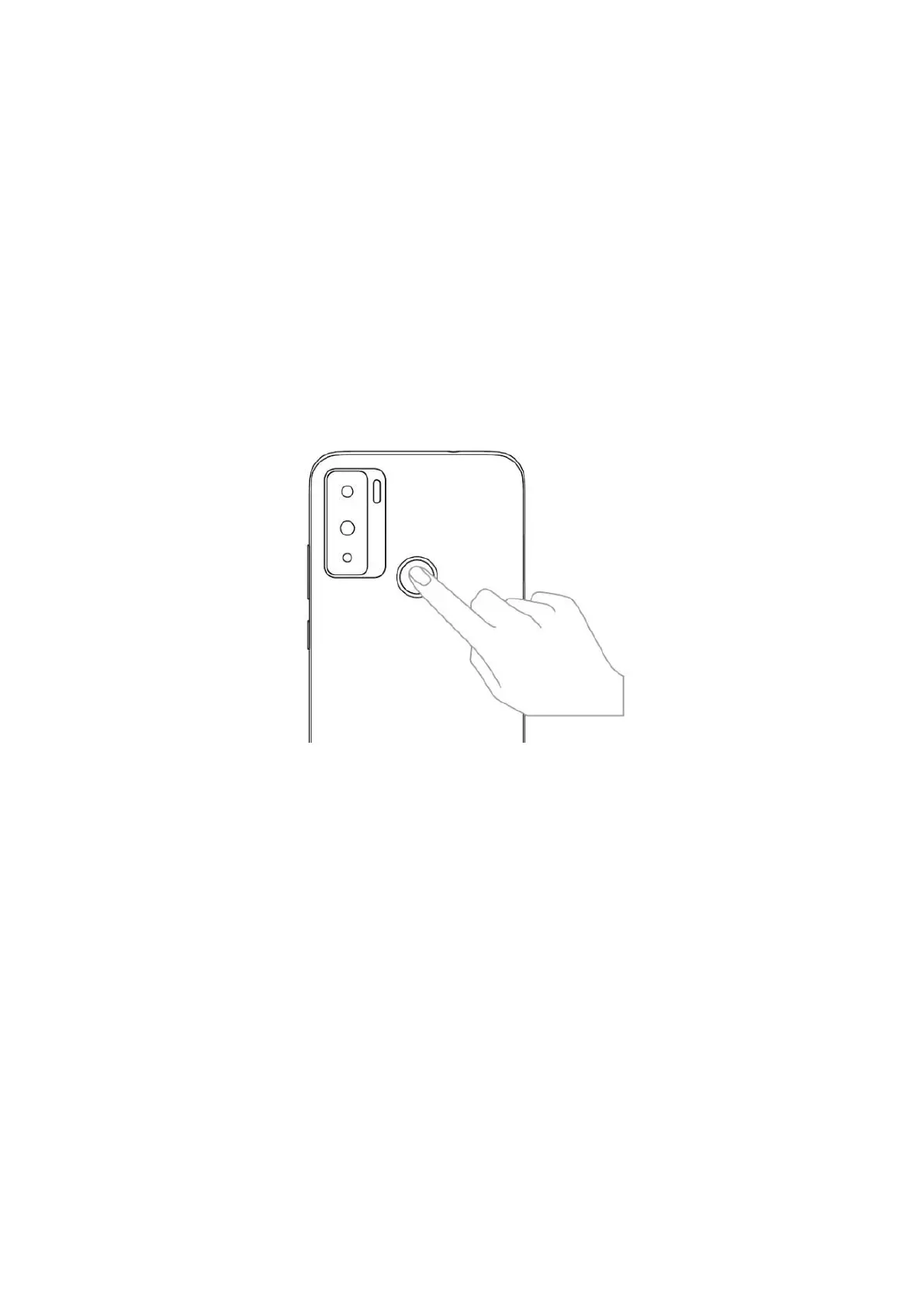
Fingerprint sensor is on the back of the phone. See the follow-
ing figure.
Adding a fingerprint
To add fingerprints:
1 Tap Settings >Security > Fingerprint.
2 To set a screen lock password, PIN or pattern along with
your fingerprint, follow onscreen instructions.
3 To set your fingerprint, follow onscreen instructions and put
your fingertip on the fingerprint sensor. Press the sensor
lightly until your phone vibrates. Repeat using different
parts of your fingertip.



 To Next Page