control your phone.
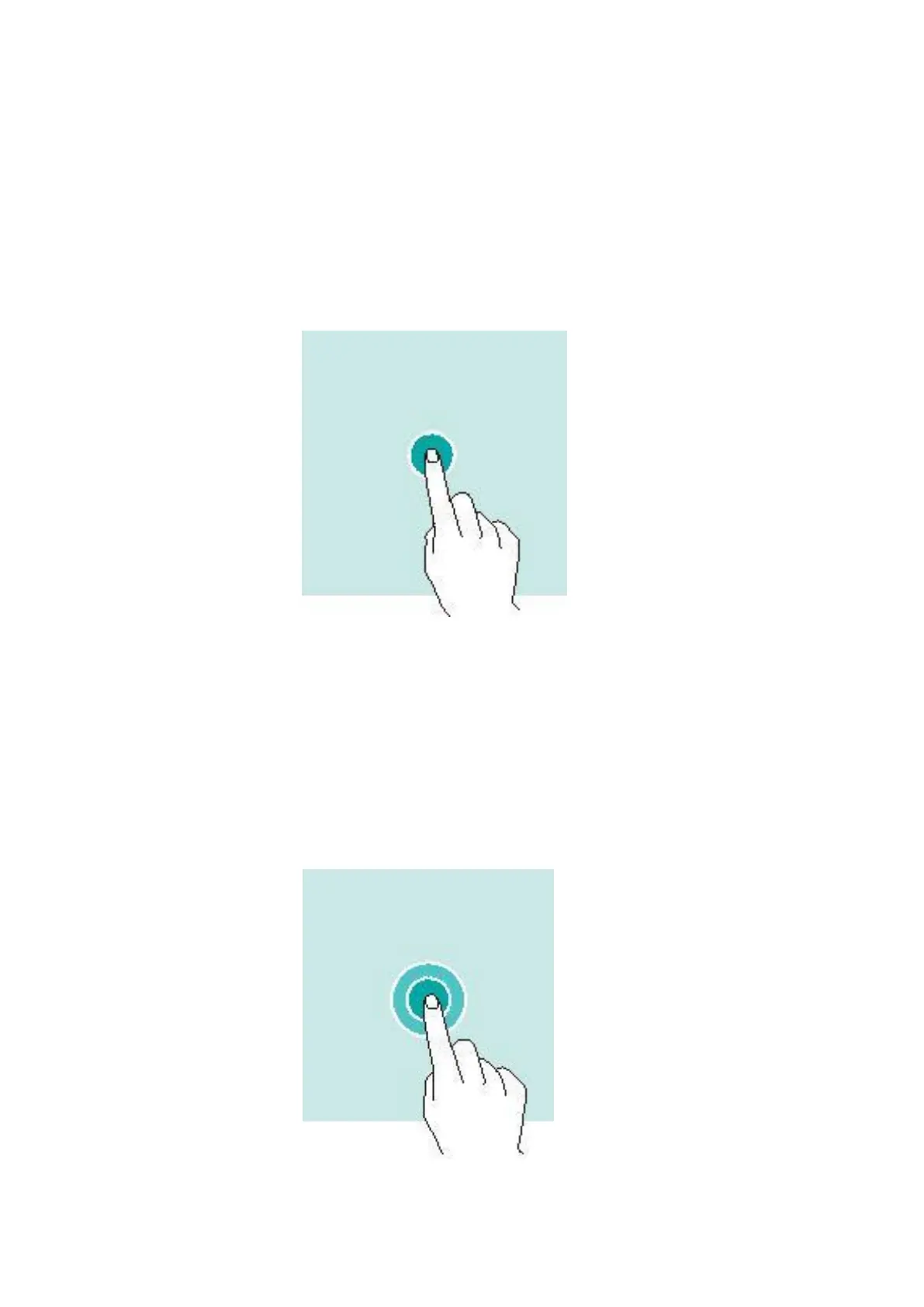
Tapping
To open an app, to choose a menu item, to press an on-screen button,
or to enter a character using the keyboard on the screen, tap it with
your finger.
Tapping and holding
Tap and hold an item on the screen for more than 2 seconds to
access available options.



 To Next Page