3
To go back to the Home screen, tap .
Recent key (virtual)
To open the list of recent apps, tap
.
Return key (virtual)
To go back to the previous screen, tap
.
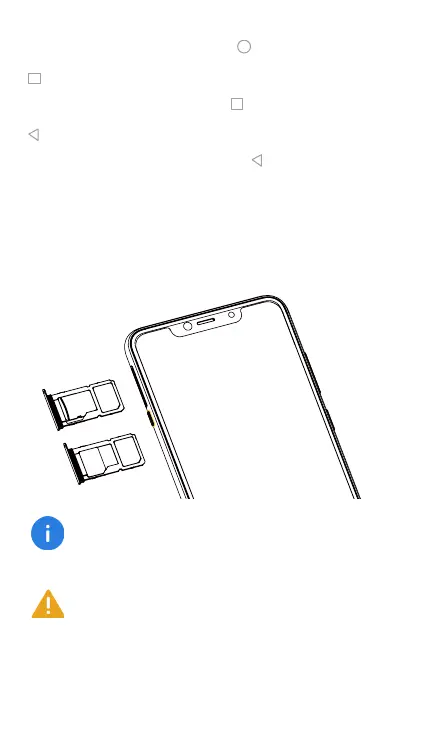
Inserting and removing cards
Follow the instructions in the following figure to set up your
phone.
Ensure that the card is correctly aligned and that the
card tray is level when you insert it into your device.
Be careful not to scratch your device or hurt yourself
when using the SIM eject pin. Store the SIM eject pin
out of the reach of children to prevent accidental swal-
lowing or injury.
or
S
IM
M
ic
r
o
S
D
S
IM
S
I
M













 To Next Page