4Getting Started
Getting Started
Read this chapter to learn about Sero 8 pro features, how to use the controls, and more.
Package Contents
The following items are included with the Sero 8 pro:
Power Adapter
Use the power adapter to connect the outlet to charge the battery.
NOTE
The power adapter may vary in different countries.
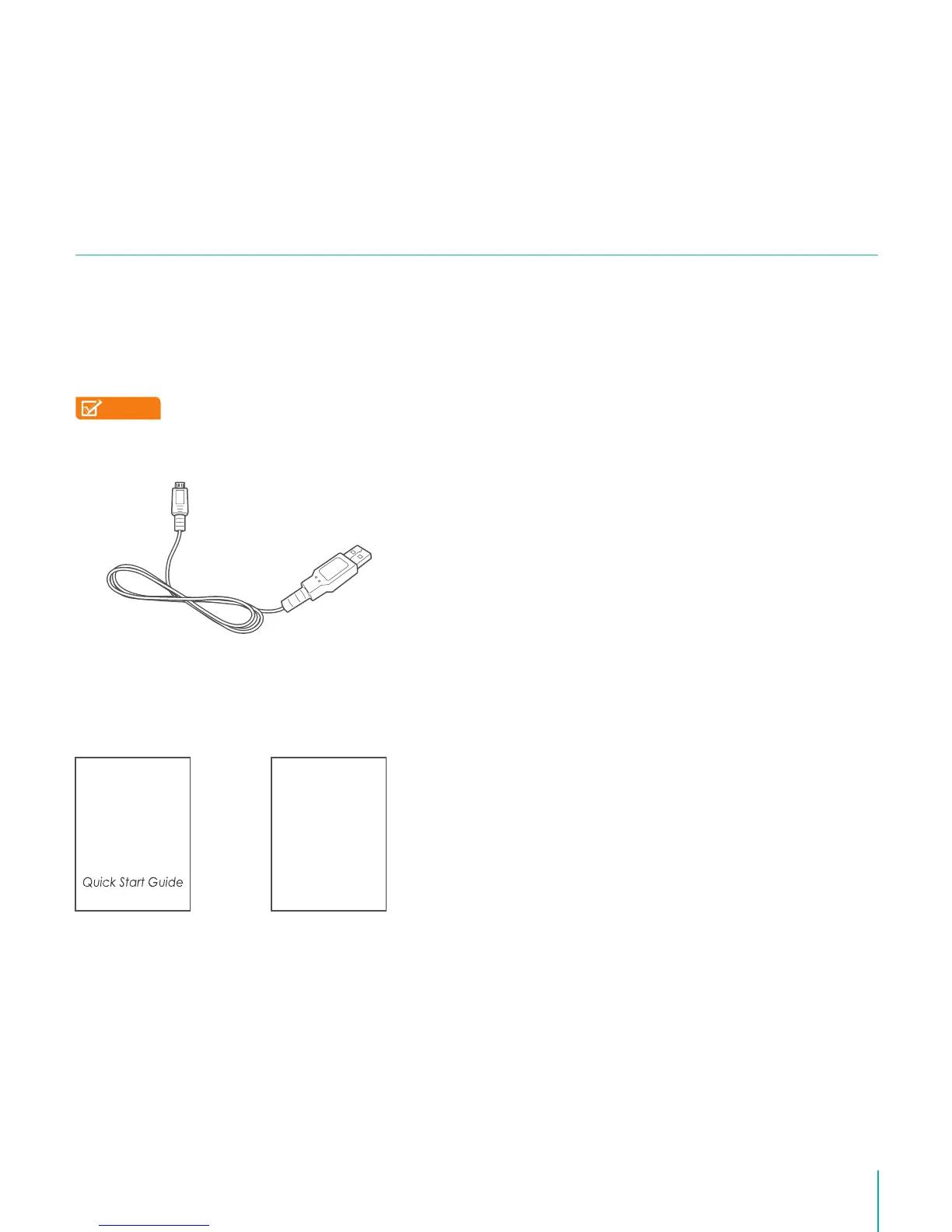
Micro-USB Cable
Use the USB cable to connect the Sero 8 pro’s Micro-USB port to the power adapter to
charge the battery, or to your computer.
Quick Start Guide & Warranty
Warranty
2



 To Next Page