recording and use of such contents in your country and
jurisdiction.
Unboxing your Phone
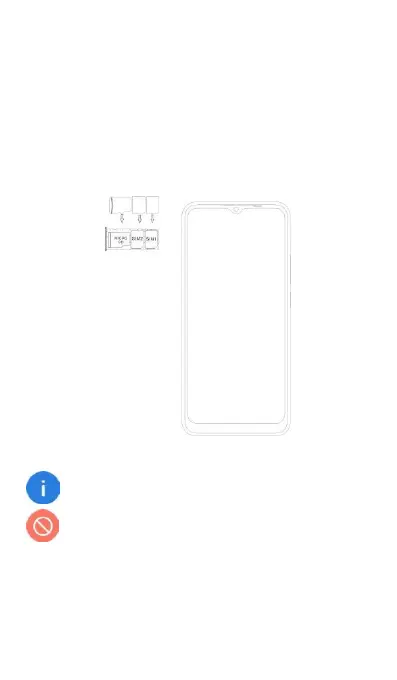
Inserting and Removing Cards
Follow the instructions in the following figure to set up your
phone.
Ensure that the card is correctly aligned and that the
card tray is level when you insert it into your device.
Do not use cut or modified SIM or micro SD cards
with your device as these may not be recognized
and could damage the card tray.


 To Next Page