Page 13 of 19
MH-020-00-Ecomaster comfort user's manual Edited 06/04
Ecomaster Comfort
The preheater programming always works when not in diagnostic mode.
When the battery trip-switch is removed, a screen is displayed that shows whether the
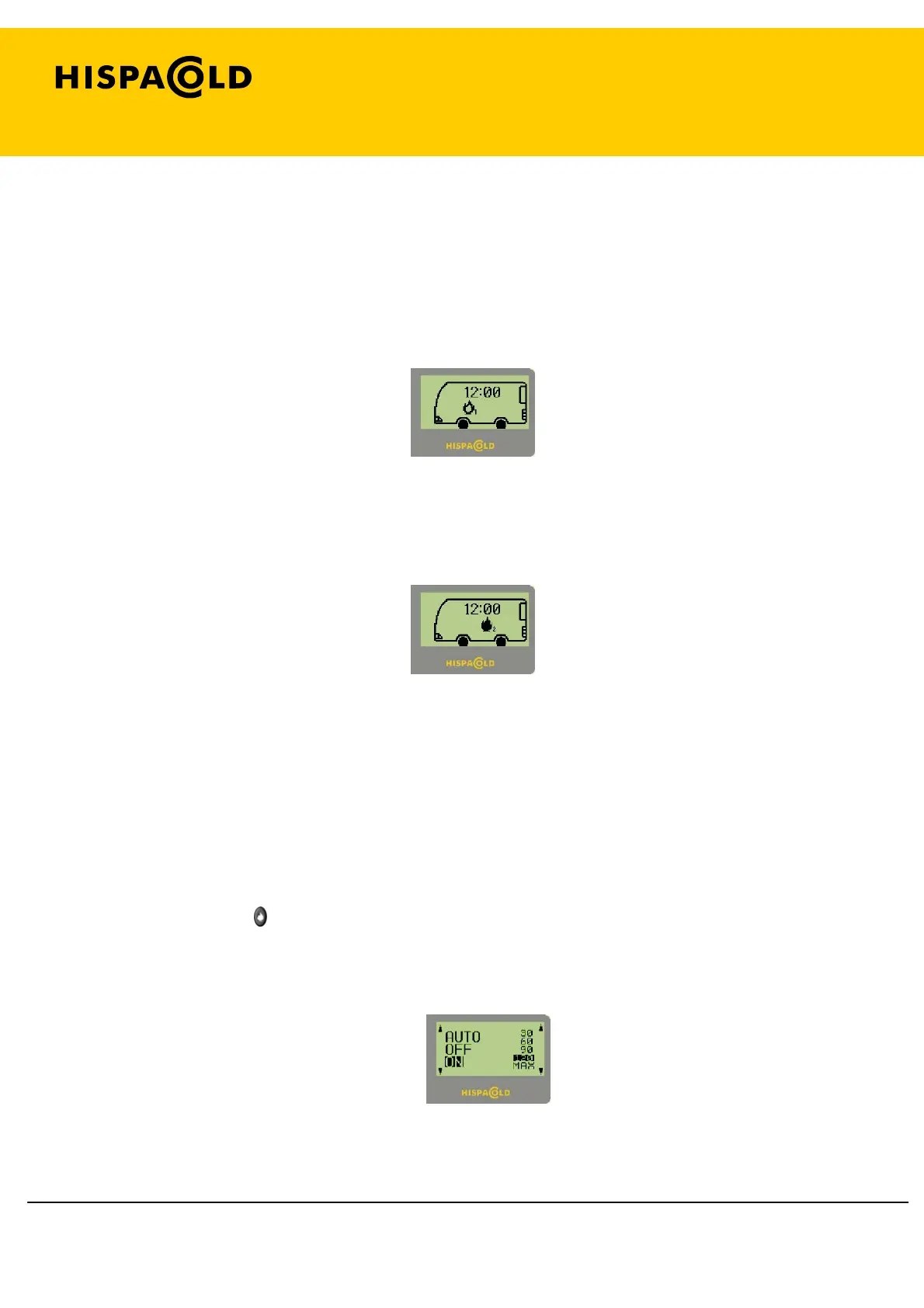
preheater is programmed. If it is, a hollow flame icon will appear with a 1
(programming 1) and/or a hollow flame icon with a 2 (programming 2).
Preheater Screen programmed.
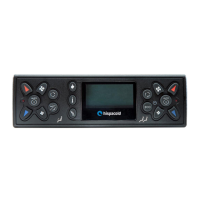
If any of the programs is running, the flame of the relevant icon is filled in.
Preheater Screen running in programmed mode.
1. 14. 2. Normal mode.
In normal mode, the preheater either operates automatically, to aid heating, or
manually for a set time that is determined by the user.
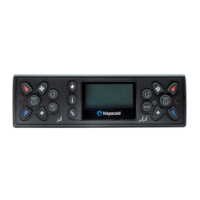
Briefly press the
(8) key to enter the preheater screen. On that screen, the flame
symbol shows whether it is running (flame filled in), either in normal or programmed
mode, or if it is deactivated (hollow flame). If it is activated in normal mode, a counter
will appear showing the time left to run.
Preheater activation screen.


 To Next Page