Page 6 of 19
MH-020-00-Ecomaster comfort user's manual Edited 06/04
Ecomaster Comfort
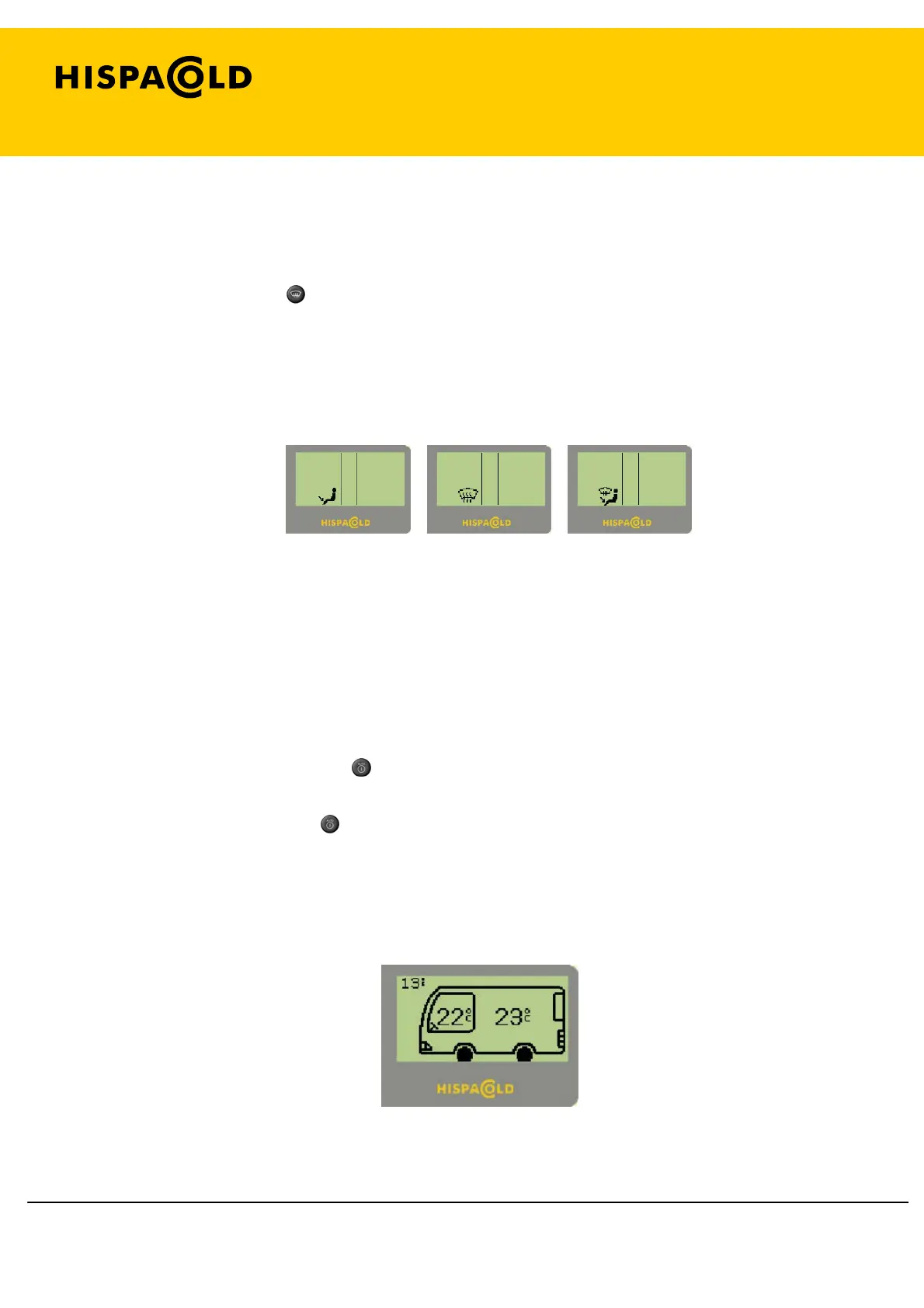
1. 5. Variation in the driver’s foot/windscreen baffles.
If the driver node is in air conditioning mode, the foot/windscreen baffle position may
be changed using the
(7) key.
When the position of the foot/windscreen baffle is changed, the Manual Screen is
displayed.
Manual Screen (foot/windscreen baffle)
1. 6. Driver automatic air conditioning setting.
When we have manually changed the driver recirculation baffles, the foot/windscreen
baffles or the demist fan speed setting, or when these are activated manually, the
preheater, the dehumidification or the ECO mode, the driver node goes into manual
mode and the LED beside the
(3) key is turned off.
By pressing the driver
(3) key, all the controls of the driver node are set on
automatic and, if the passenger node is also on automatic, the Automatic Screen is
displayed as shown below.
Fig 4.3 Automatic Screen


 To Next Page